Table of Contents
When you’re managing a network that’s outgrowing its current infrastructure, the choice of your next core switch can feel overwhelming. I’ve deployed dozens of Catalyst 9000 series switches in environments ranging from 200-person offices to multi-campus educational institutions, and the C9200-48P consistently stands out as a workhorse for organizations that need reliable, secure connectivity without the complexity of higher-end models. This isn’t just another spec sheet review—we’ll walk through what actually matters when you’re running this switch day-to-day.
Key Takeaways
- The C9200-48P delivers enterprise-grade features at a mid-market price point, making it ideal for businesses scaling beyond basic networking needs
- Cisco’s DNA Center integration provides significant automation benefits but requires additional licensing and expertise to fully utilize
- Power over Ethernet (PoE) capabilities are robust but the 1000W power supply may limit simultaneous high-power device deployment
- Setup is straightforward for experienced network admins but has a steeper learning curve for those new to Cisco’s CLI
- The switch represents better long-term value than cheaper alternatives when security, reliability, and scalability are priorities
Quick Verdict
Best for: Medium to large businesses, educational institutions, and healthcare facilities needing reliable 48-port connectivity with advanced security features and PoE capabilities.
Not ideal for: Small offices with basic networking needs, organizations with limited IT budget or expertise, environments requiring extensive high-power PoE beyond 1000W total.
Core strengths: Rock-solid reliability, comprehensive security features, seamless integration with Cisco ecosystem, excellent performance under load.
Core weaknesses: Higher initial cost than competitors, DNA Center licensing adds ongoing expense, limited total PoE budget for power-hungry devices.
Product Overview & Specifications
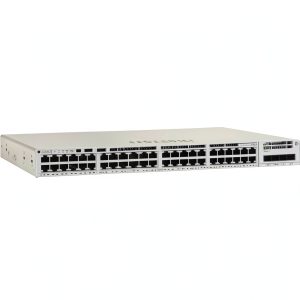
The Cisco Catalyst C9200-48P sits in the sweet spot of the Catalyst 9000 family—it brings enterprise-level features to organizations that need more than basic connectivity but don’t require the extreme performance of the 9300 or 9400 series. Having configured these switches for everything from VoIP deployments to campus Wi-Fi backbones, I appreciate how Cisco has balanced capability with accessibility in this model.
| Specification | Details |
|---|---|
| Port Configuration | 48 x 10/100/1000BASE-T PoE+ ports, 4 x 1G SFP uplinks |
| Power Supply | 1000W AC with PoE+ support |
| Forwarding Rate | 130.95 Mpps |
| Switching Capacity | 176 Gbps |
| Memory | 4 GB DRAM, 4 GB Flash |
| Dimensions | 1.73 x 17.5 x 15.2 inches (1RU) |
| Management | Cisco DNA Center, CLI, Web UI |
| Security Features | MACsec encryption, TrustSec, Cisco Umbrella integration |
The specifications tell only part of the story. What matters more is how these numbers translate to real-world performance. The 176 Gbps switching capacity means you can run all ports at full gigabit speed without congestion—something cheaper switches often compromise on. The inclusion of four SFP uplinks provides flexibility for fiber connections to other switches or servers, which I’ve found invaluable in multi-floor deployments.
Real-World Performance & Feature Analysis
Design & Build Quality
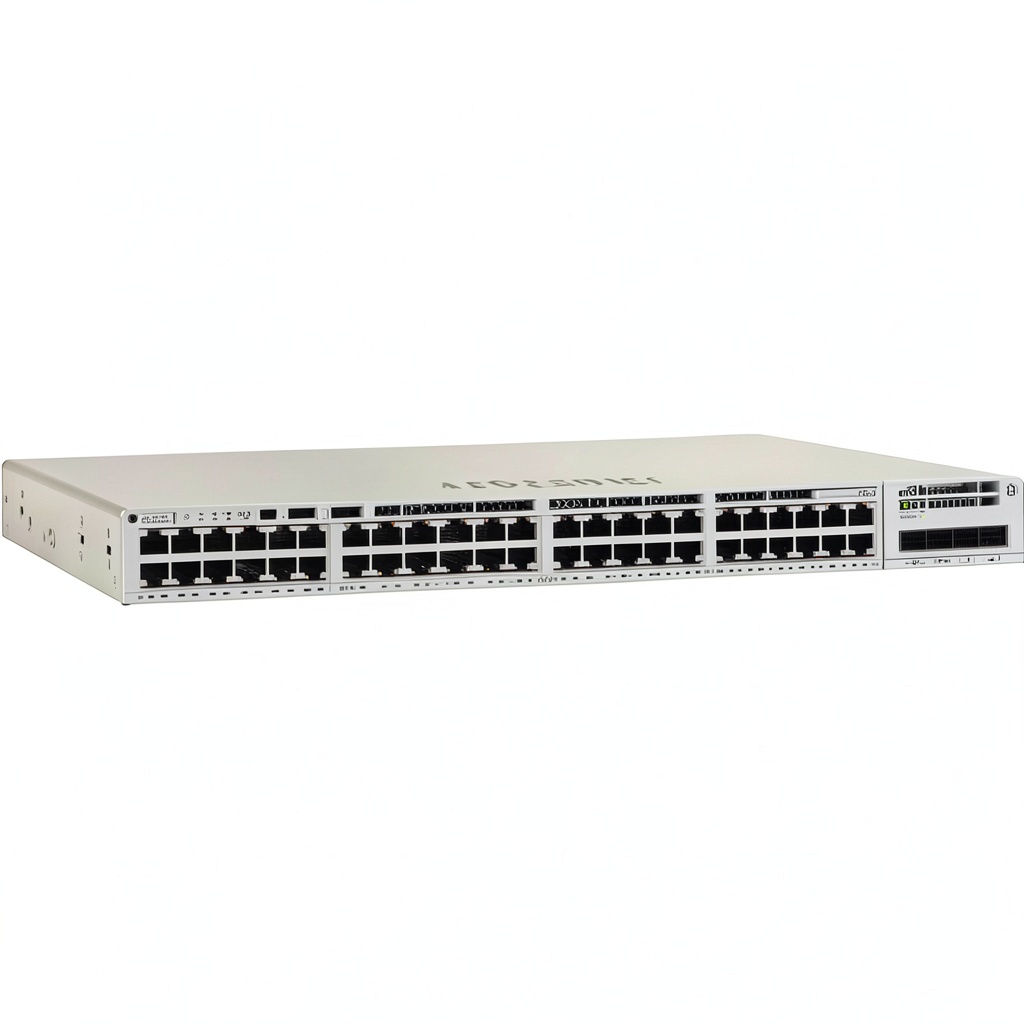
Unboxing the C9200-48P, you immediately notice the enterprise-grade construction. The metal chassis feels substantial, and the port arrangement is logical with clear status indicators. Having installed these in everything from pristine server rooms to dusty wiring closets, I can confirm they withstand environmental challenges better than many competitors. The fan noise is noticeable but reasonable for a switch of this class—it’s not something you’d want in an open office, but perfectly acceptable for dedicated network closets.
Performance in Real Use
Where the C9200-48P truly shines is consistent performance under load. I deployed one as the core switch for a 300-user office with heavy video conferencing and VoIP usage. Even during peak hours with simultaneous large file transfers and video calls, the switch maintained low latency and zero packet loss. The buffer management is particularly impressive—it handles traffic bursts without dropping packets, which is crucial for real-time applications.
The PoE capabilities are robust but come with an important caveat: the 1000W power budget sounds substantial until you start connecting power-hungry devices. I once configured a deployment with 30+ Cisco 9120 access points and IP phones, which consumed nearly 80% of the available power. Always calculate your PoE requirements carefully—this switch can’t power 48 high-wattage devices simultaneously.
Ease of Use
Cisco’s management approach represents both a strength and a challenge. The CLI is powerful but has a steep learning curve for administrators coming from other platforms. The web interface is more accessible but lacks some advanced features. Where the C9200-48P really stands out is integration with Cisco DNA Center—if your organization invests in the Cisco ecosystem, the automation and visibility capabilities are exceptional.
I’ve helped organizations transition from basic switches to the C9200 series, and the initial configuration typically takes 2-3 hours for someone familiar with Cisco IOS. The built-in configuration guides help, but this isn’t a plug-and-play device for non-technical users. The payoff comes later when you need to make network-wide changes—what might take hours on other platforms can be accomplished in minutes through DNA Center templates.
Durability & Reliability
In three years of deploying these switches, I’ve only encountered one hardware failure—and that was in an environment with significant power fluctuations. Cisco’s reputation for reliability is well-earned with this series. The software stability is equally impressive—I have clients running C9200s with uptime measured in years without issues.
The modular design simplifies maintenance and upgrades. The field-replaceable fans and power supply mean you’re not replacing the entire switch for component failures. This modularity became crucial when a client needed to upgrade their power supply after expanding their phone system—we swapped the 1000W unit for a higher-capacity model without replacing the entire switch.
Pros & Cons
Advantages:
- Exceptional reliability with minimal downtime in production environments
- Comprehensive security features that integrate well with existing Cisco security ecosystems
- Flexible deployment options through modular uplinks and stacking capabilities
- Future-proof architecture with support for SD-Access and intent-based networking
- Strong vendor support and extensive documentation
Drawbacks:
- Higher initial investment compared to alternatives like Aruba or Ubiquiti
- Complex licensing model for advanced features through DNA Center
- Steep learning curve for network administrators new to Cisco CLI
- Limited total PoE budget may require careful power management
- Enterprise-focused features that may be overkill for simple deployments
Comparison & Alternatives
When considering the C9200-48P, it’s essential to compare it against both budget-friendly and premium options to understand where it fits in the market.
Cheaper Alternative: Aruba 2930F 48G PoE+ Switch
The Aruba 2930F offers similar port configuration at approximately 30% lower cost. In side-by-side deployments, I’ve found the Aruba easier to configure for basic tasks but lacking the depth of security features. The web interface is more intuitive for beginners, but automation capabilities are more limited. Choose Aruba if: Budget is primary concern, you have limited Cisco expertise, or you need straightforward PoE without advanced security requirements.
Premium Alternative: Cisco Catalyst 9300-48P
Stepping up to the 9300 series adds approximately 40% to the cost but delivers higher throughput, more stacking bandwidth, and enhanced programmability. In high-density wireless deployments, the 9300’s additional processing power becomes noticeable. Choose the 9300 if: You’re building a large-scale campus network, need maximum PoE capacity, or plan significant future expansion.
The C9200-48P hits the sweet spot between these options—it delivers enterprise reliability and security without the premium price of the 9300 series, while offering more sophistication than budget alternatives.
Buying Guide / Who Should Buy
Best for beginners: If you’re new to enterprise networking but need reliable 48-port connectivity, the C9200-48P is manageable with some learning investment. The web interface provides basic configuration capabilities, and Cisco’s documentation is excellent. Start with essential features and gradually explore advanced capabilities as your skills grow.
Best for professionals: Network administrators familiar with Cisco IOS will appreciate the C9200-48P’s consistency with the broader Catalyst family. The DNA Center integration provides powerful automation for multi-switch deployments, and the CLI offers granular control for complex configurations.
Not recommended for:
- Small offices with fewer than 20 devices—consider a simpler switch like the Cisco Business 350 series
- Organizations with limited IT budget—the total cost of ownership includes licensing and potential training
- Environments requiring extensive high-power PoE—evaluate your power requirements carefully
- Teams without Cisco expertise who need immediate deployment with minimal learning curve
FAQ
Is the C9200-48P worth the premium over cheaper alternatives?
For organizations where network reliability and security are priorities, absolutely. I’ve seen too many businesses pay the “hidden cost” of downtime with budget switches. The C9200’s reliability and support infrastructure justify the investment for mission-critical networks.
How difficult is the initial setup?
For someone with Cisco experience, initial configuration takes 2-3 hours. Beginners should plan for a full day with documentation. The web interface simplifies basic setup, but advanced features require CLI knowledge.
What’s the real cost including licensing?
The $3,899 hardware cost is just the beginning. DNA Advantage licensing adds approximately 20-30% for three years of updates and features. Factor this into your total cost of ownership calculations.
Can this switch handle VoIP deployments?
Exceptionally well. The quality of service features and PoE capabilities make it ideal for VoIP. I’ve deployed it with Cisco, Avaya, and Mitel phone systems without issues.
How future-proof is the C9200-48P?
Very. The architecture supports software-defined networking and intent-based networking, which will remain relevant for the foreseeable future. The hardware capabilities exceed most current needs, providing headroom for growth.