

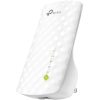
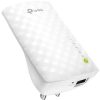


Description
Product Overview
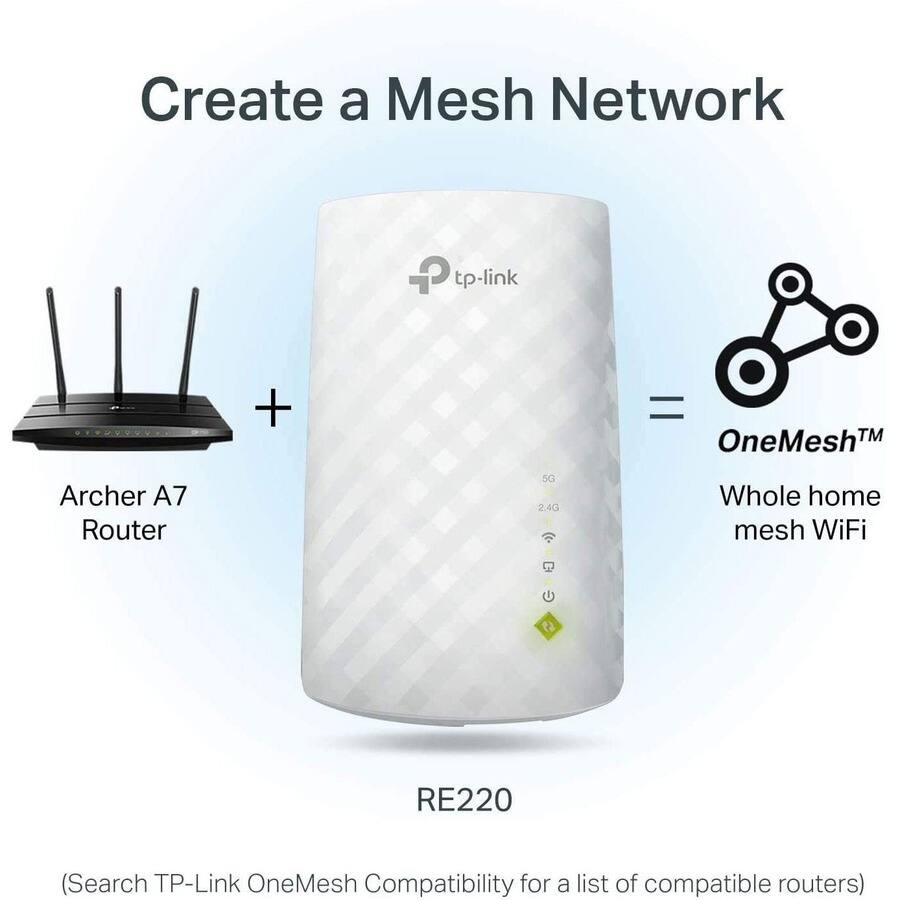
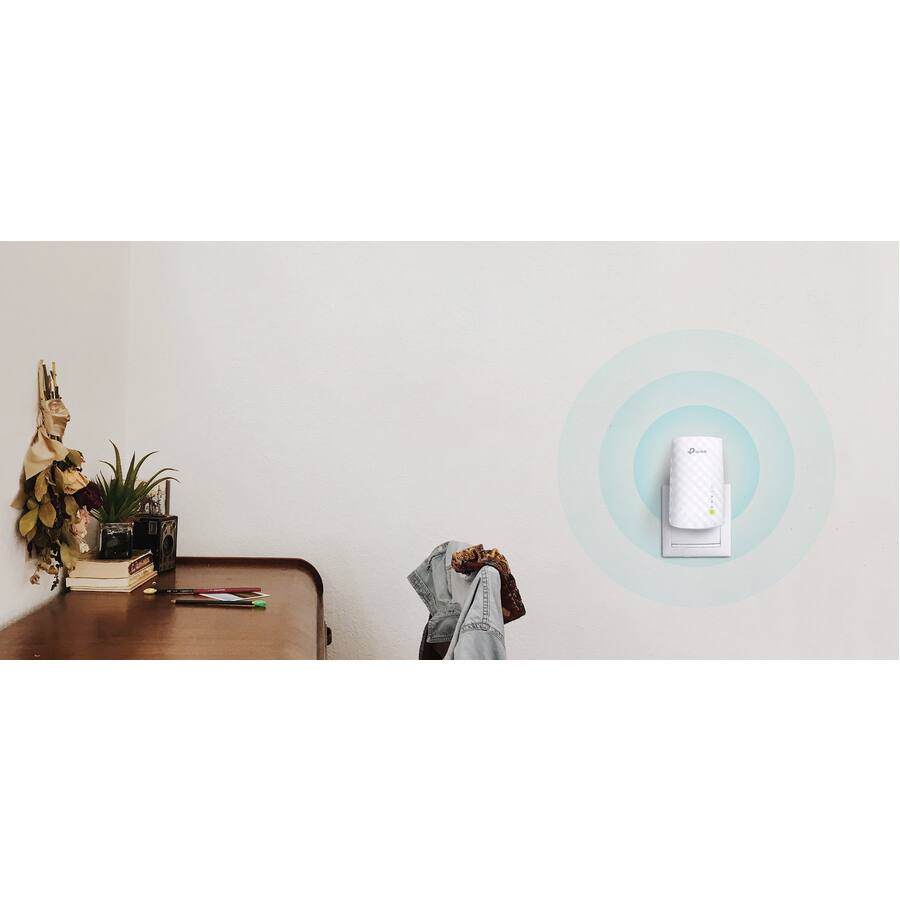
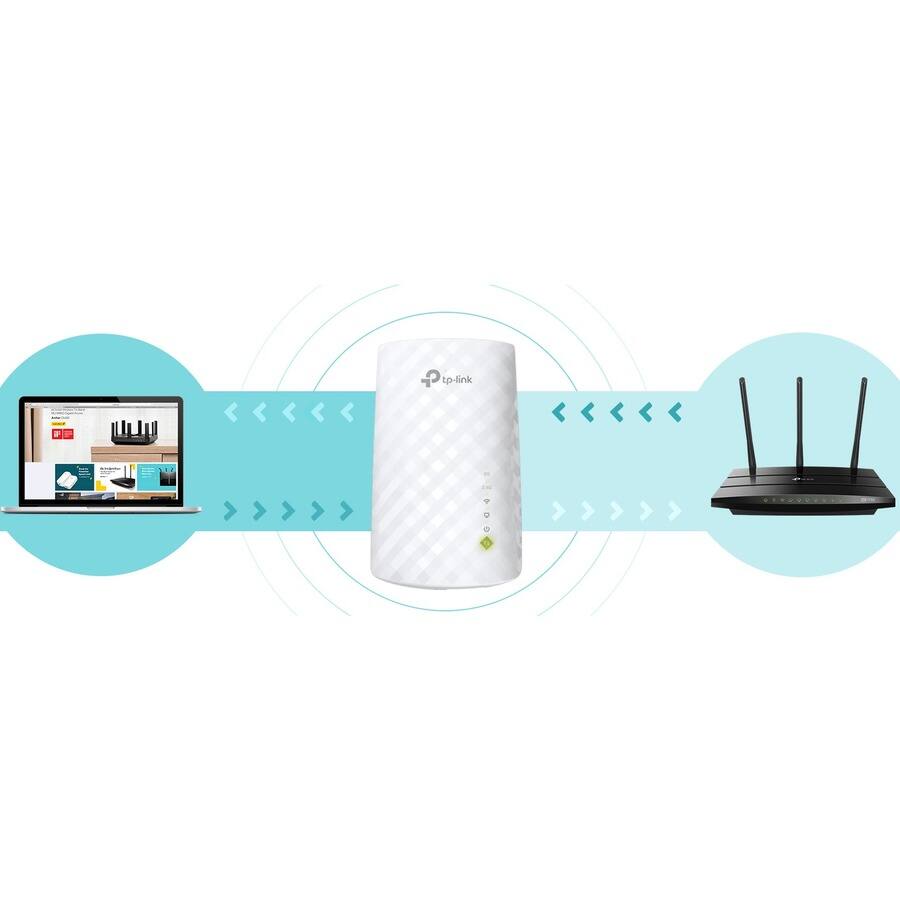
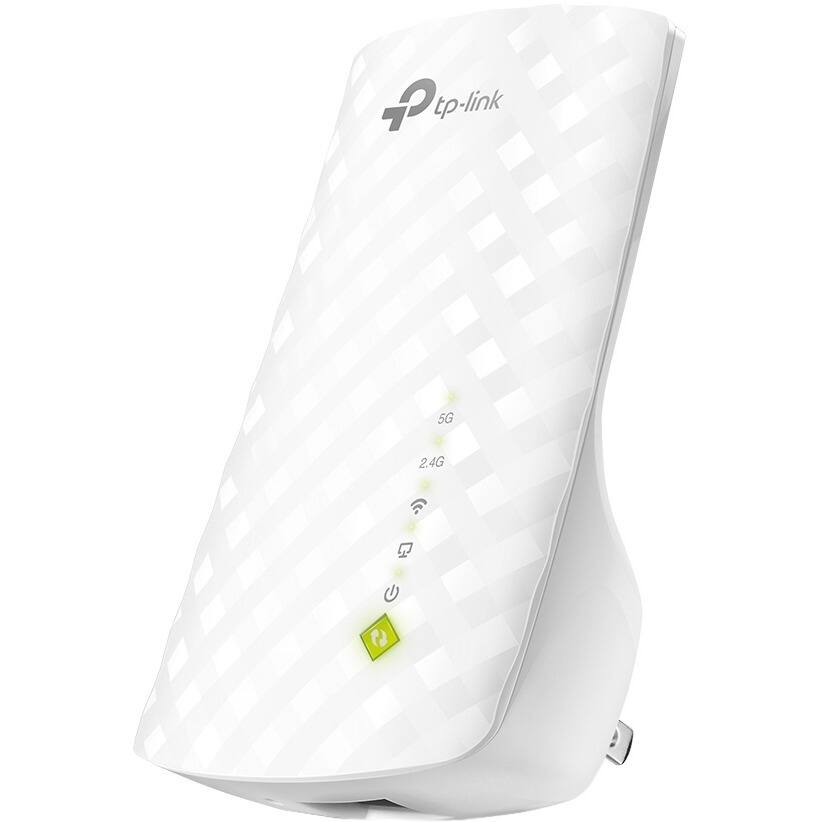
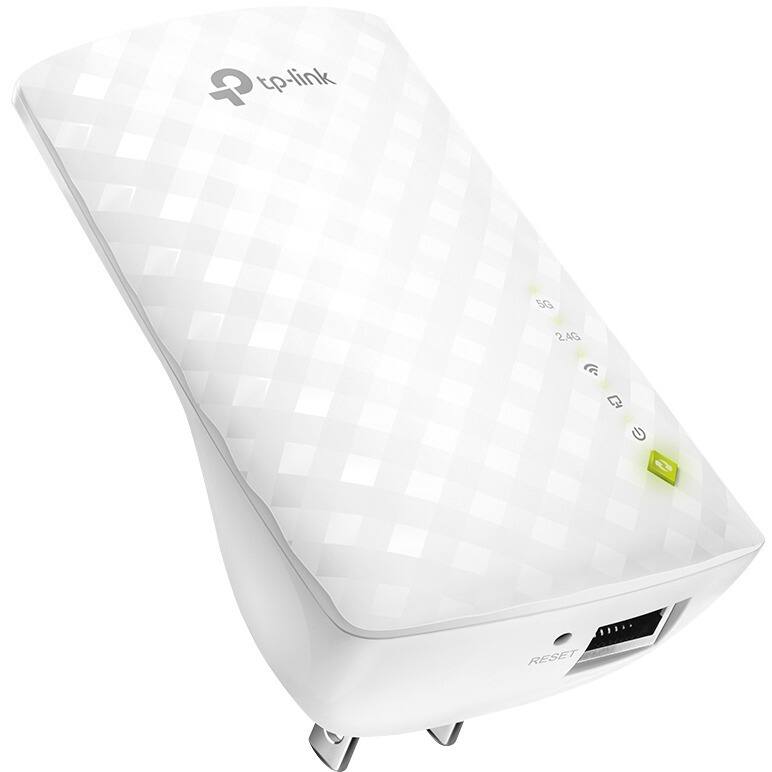
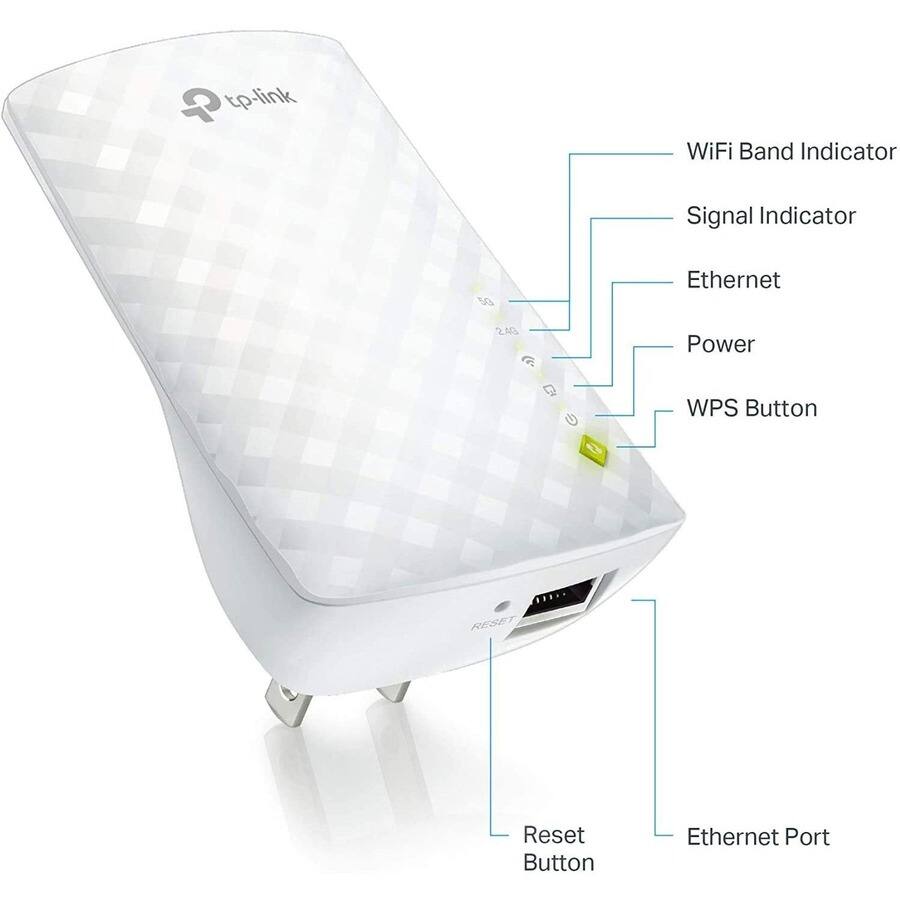
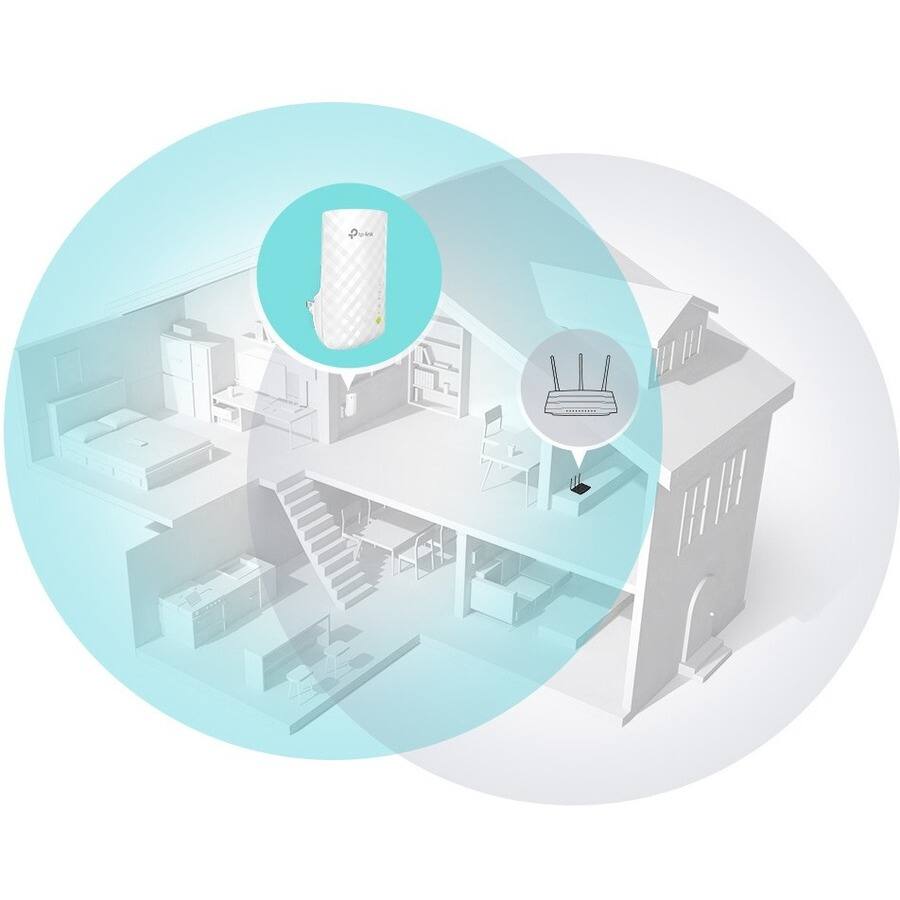
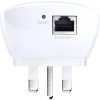
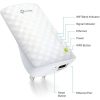
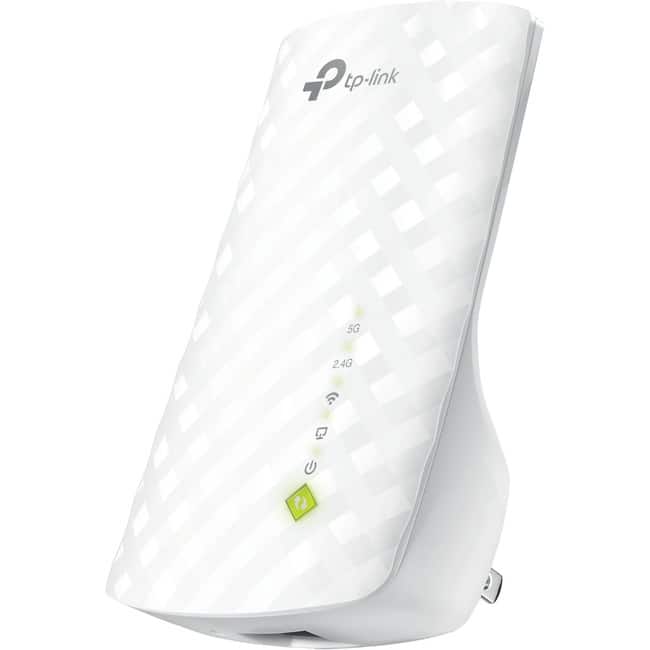
The TP Link RE220 is a dual band Wi Fi range extender designed to boost wireless coverage and eliminate dead zones in your home or office. It supports IEEE 802.11ac technology with speeds up to 750 Mbps, covering up to 32,00 sq. ft. when paired with a compatible router. This device features both 2.4 GHz and 5 GHz bands, allowing connections for up to 32 devices simultaneously. It includes an Ethernet port for use as a wireless access point or adapter, and offers a high speed mode to maximize performance by dedicating bands for backhaul and access.
Usage
The RE220 is ideal for environments where Wi Fi signals are weak or inconsistent, such as large homes, offices, or multi story buildings. It is perfect for users who engage in HD video streaming, online gaming, or other high bandwidth activities that require stable, drop free connections. Target audiences include families, remote workers, and gamers seeking to enhance their network reliability without complex installations.
Why Choose Us
TP Link is renowned for reliable networking solutions, and the RE220 stands out with its dual band technology and versatile functionality. It provides seamless integration with existing routers, easy setup options, and a smart signal indicator for optimal placement. The product’s build quality and consistent performance ensure long term value, backed by TP Link’s commitment to innovation and customer support.
Key Features
- Extends Wi Fi coverage up to 32,00 sq. ft. to eliminate dead zones
- Dual band support with speeds up to 750 Mbps for stable connections
- Connects up to 32 devices simultaneously without drops
- Simple setup via WPS button or Tether app for quick installation
- Ethernet port enables use as access point or wireless adapter
FAQ
How do I set up the RE220 range extender?
You can set it up easily by pressing the WPS button on your router and the extender, or use the Tether app or web UI if your router does not support WPS. Then, relocate the extender based on the signal indicator for best coverage.
What is the coverage area of this extender?
When used with a compatible router, the RE220 can extend Wi Fi coverage up to 32,00 sq. ft., making it suitable for medium to large spaces.
Can I use the Ethernet port for wired devices?
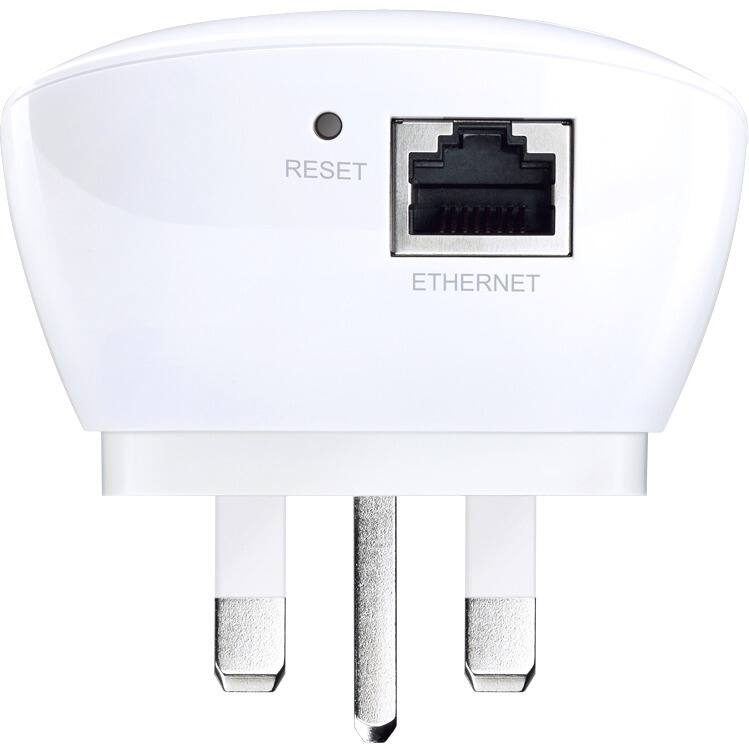
Yes, the Ethernet port allows you to turn a wired Internet connection into a wireless access point or connect wired devices like gaming consoles for enhanced performance.
Does it work with all routers?
The RE220 is compatible with most standard wireless routers that support dual band Wi Fi, but check your router specifications for optimal performance.
What is high speed mode?
High speed mode dedicates one Wi Fi band for backhaul communication with the router and another for device connections, maximizing bandwidth on the extender network.
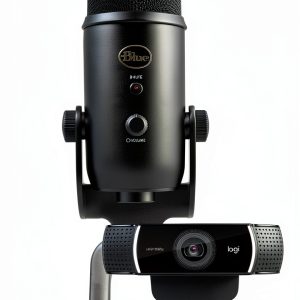 Blue Yeti USB Microphone Pro Streamer Pack for Gaming
 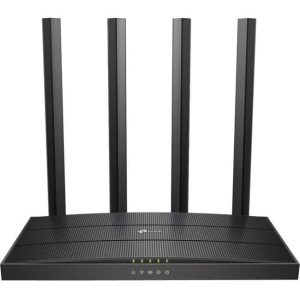 TP Link Archer A6 AC1200 Dual Band MU MIMO Router
 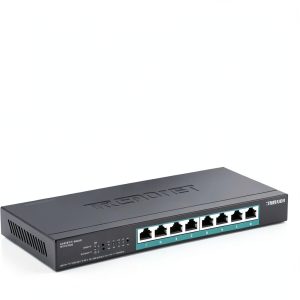 TRENDnet 8 Port 2.5G PoE++ Switch 230W Fanless Design
  USB4 Cable 240W PD 40Gbps Data Transfer Universal
  HPE Aruba JL659A 48 Port Gigabit Smart Managed Switch
  NanoMic Wireless Microphone USB-C Content Creator Audio
  Tripp Lite 8 Port DisplayPort KVM Switch Rack Mount 4K
  TP Link TL SG3452XP 48 Port PoE Managed Switch 10G Uplink
  Klipsch FLEXUS 300 Soundbar Dolby Atmos Dirac Live
  Tripp Lite Managed Gigabit Ethernet Switch 8 Port SFP
 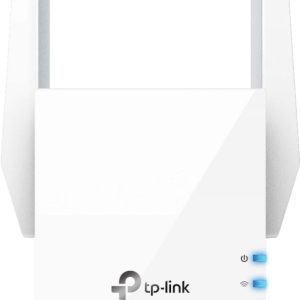 TP Link RE605X AX1800 Wi Fi 6 Range Extender White
  Finisar FTLX1471D3BCL SFP+ Transceiver 10GBase LR 10km
 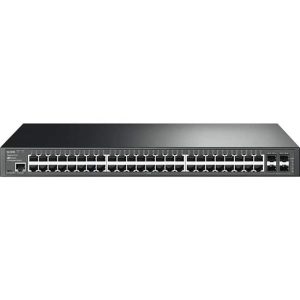 TP-Link TL-SG3452P 48 Port Gigabit Managed PoE Switch
Reviews
There are no reviews yet.