
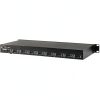
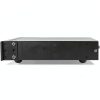
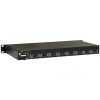
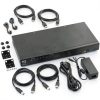
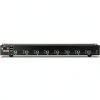

Description
Product Overview
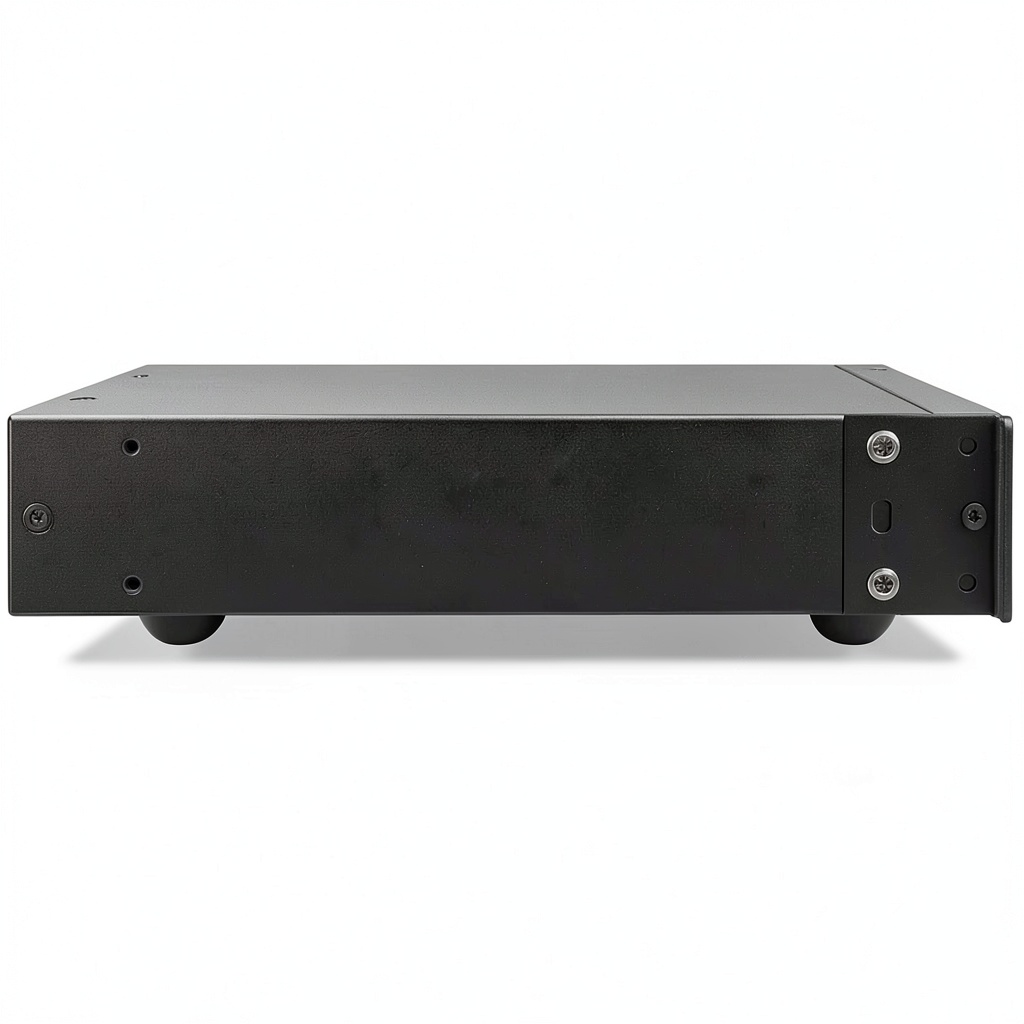
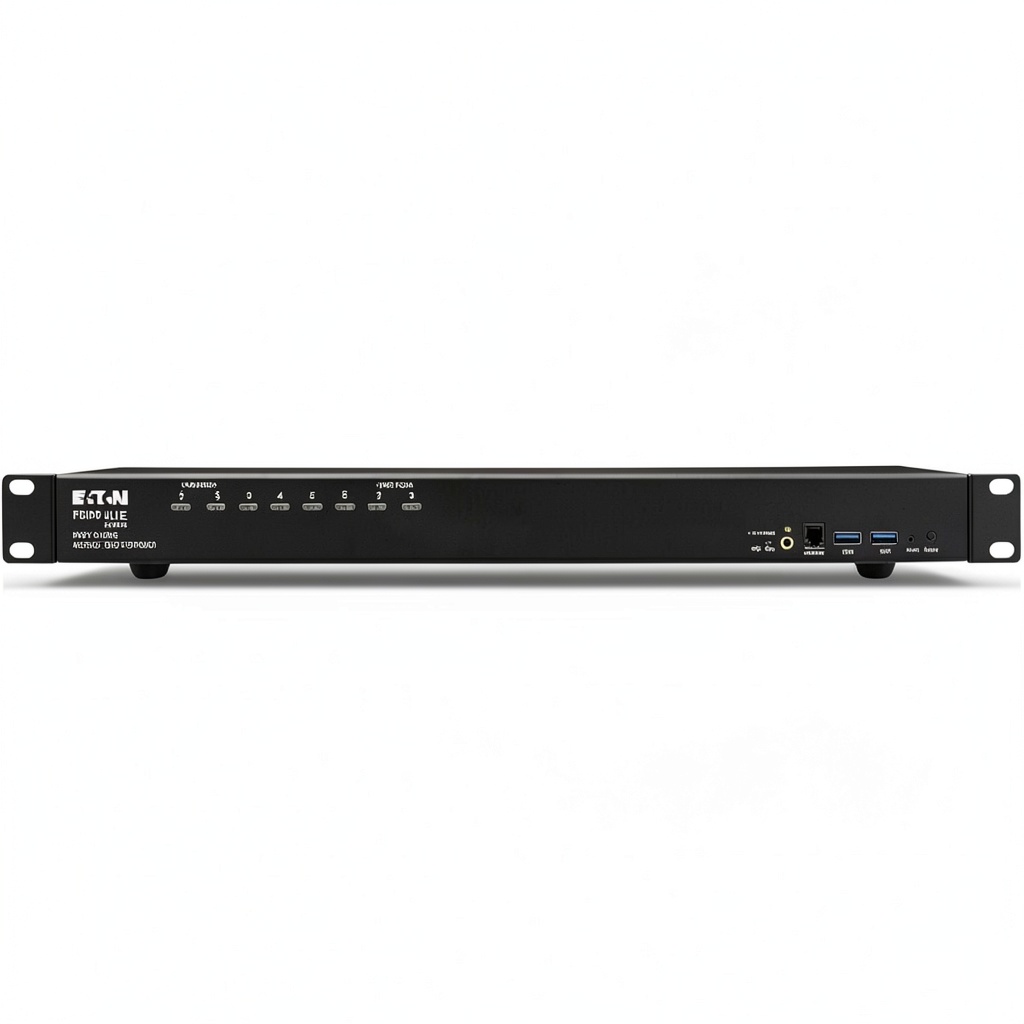
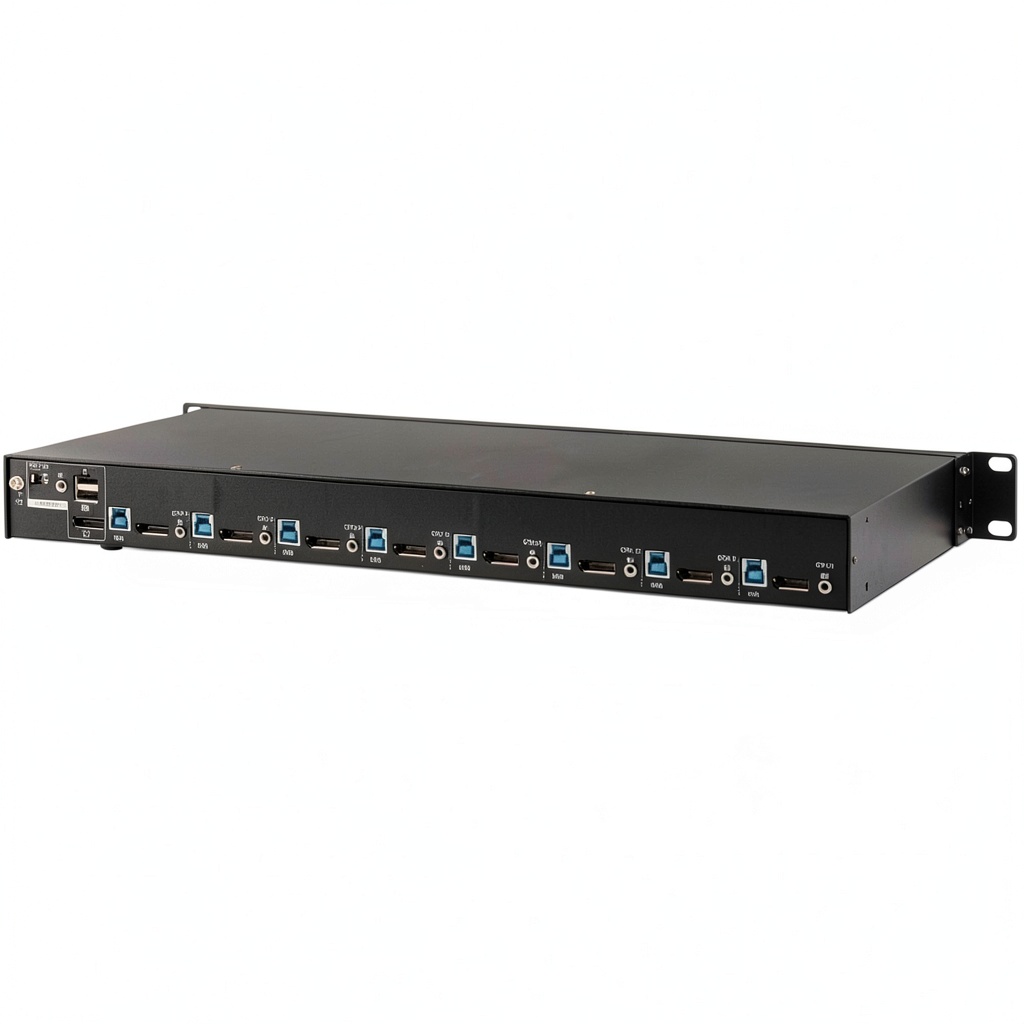
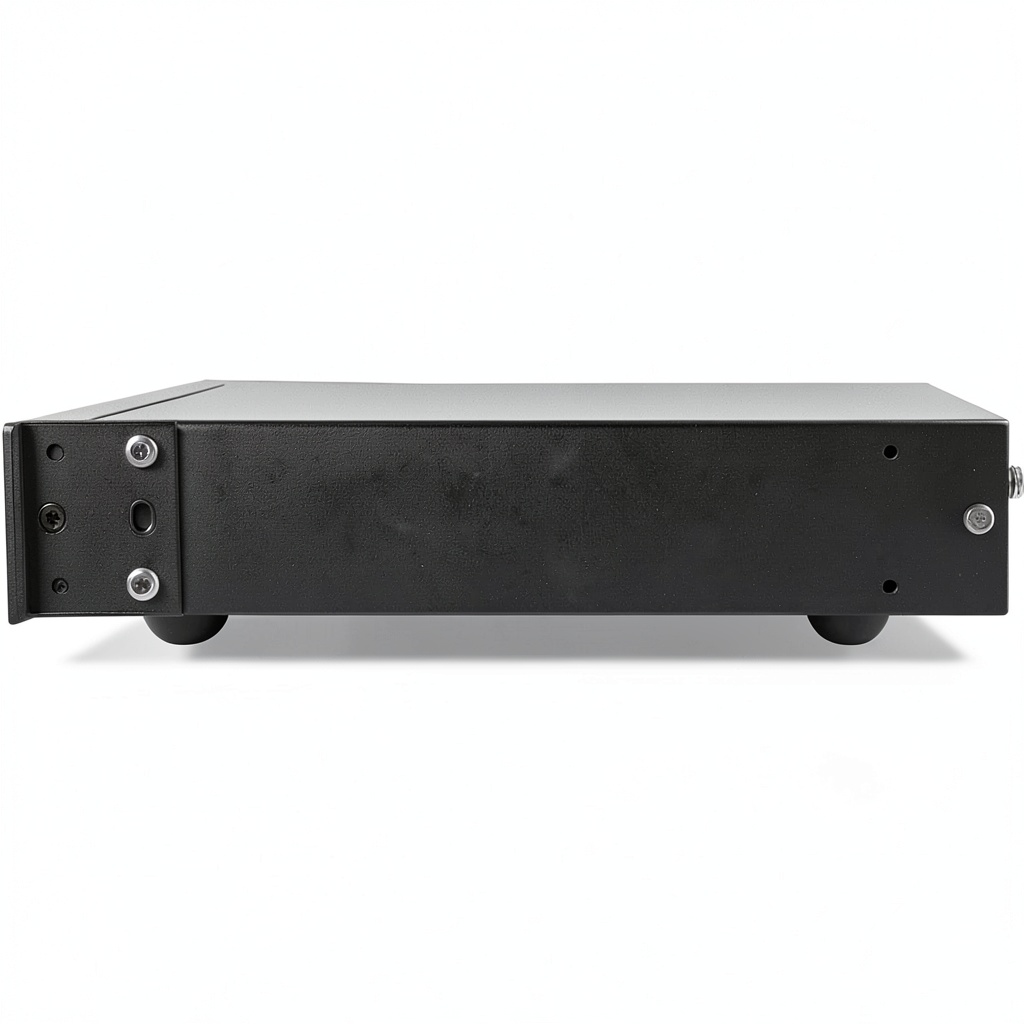
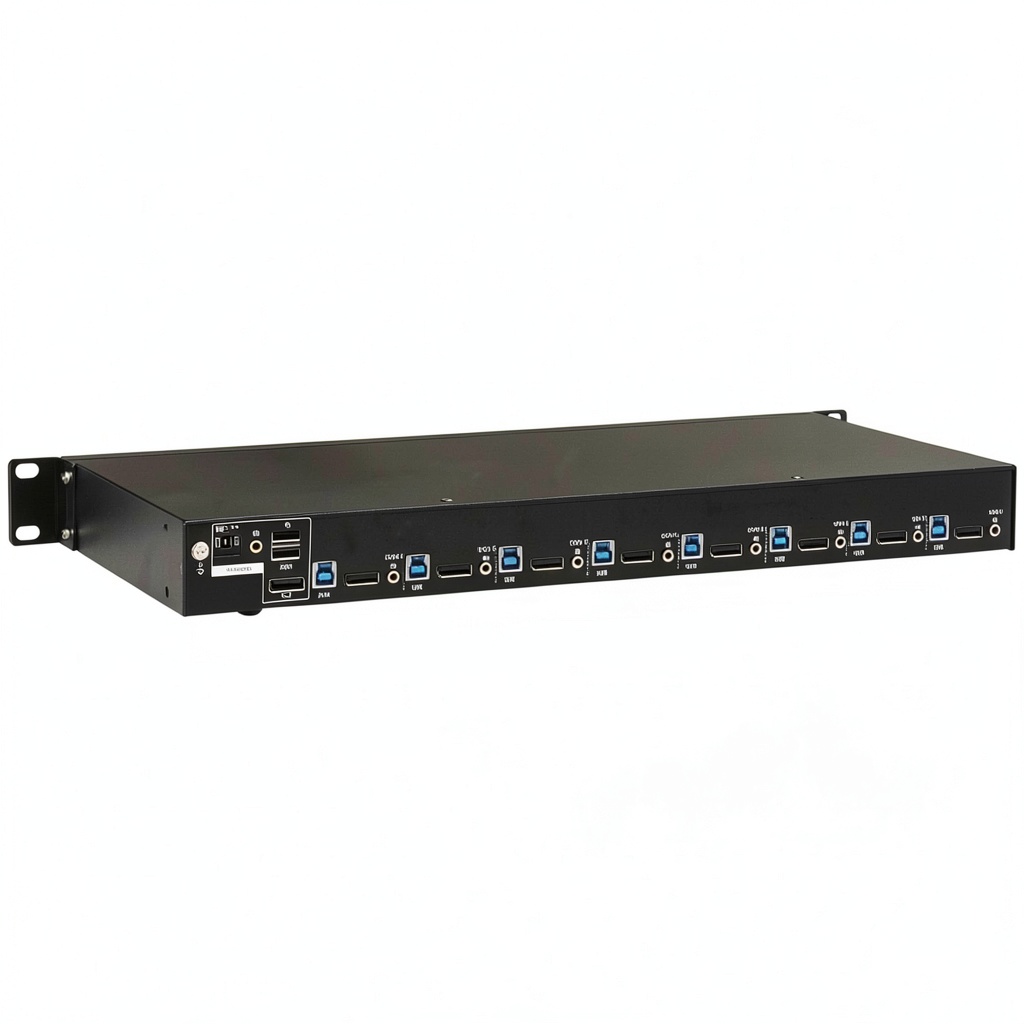
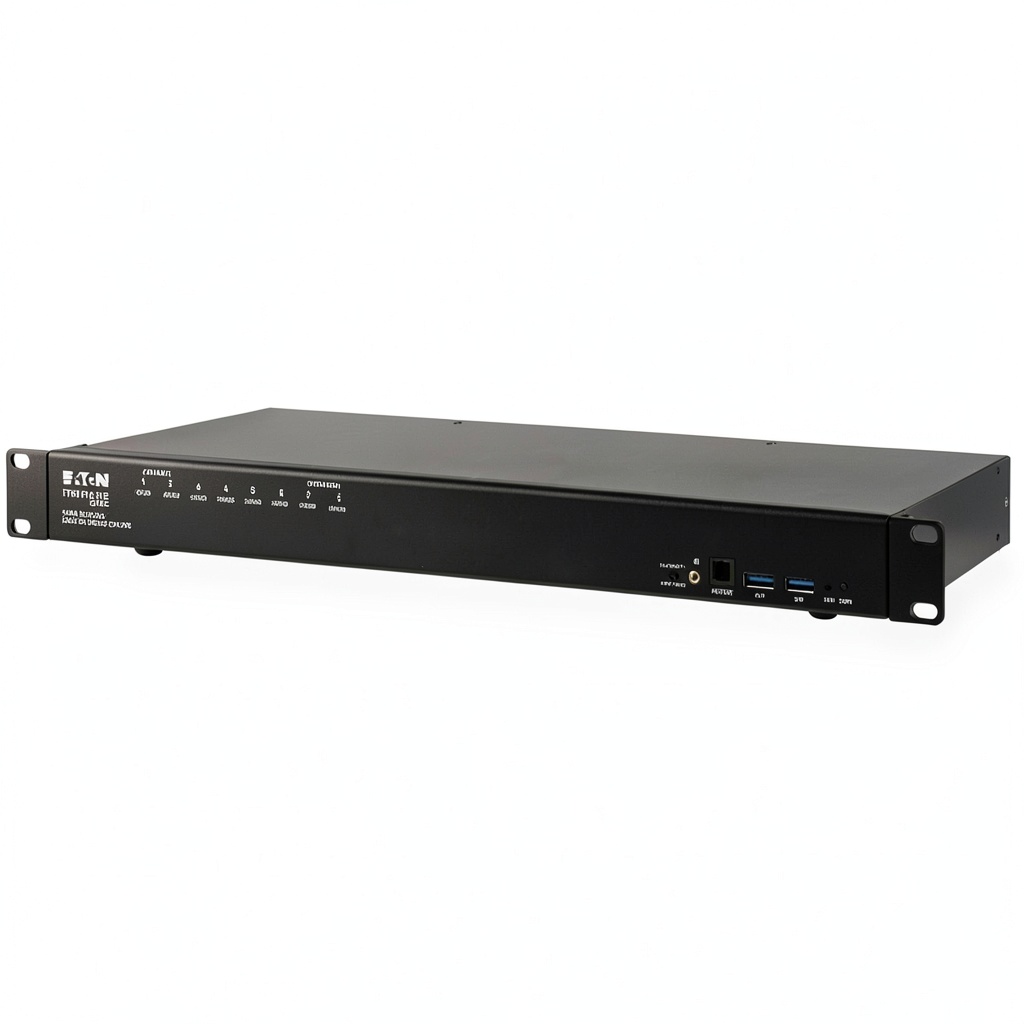
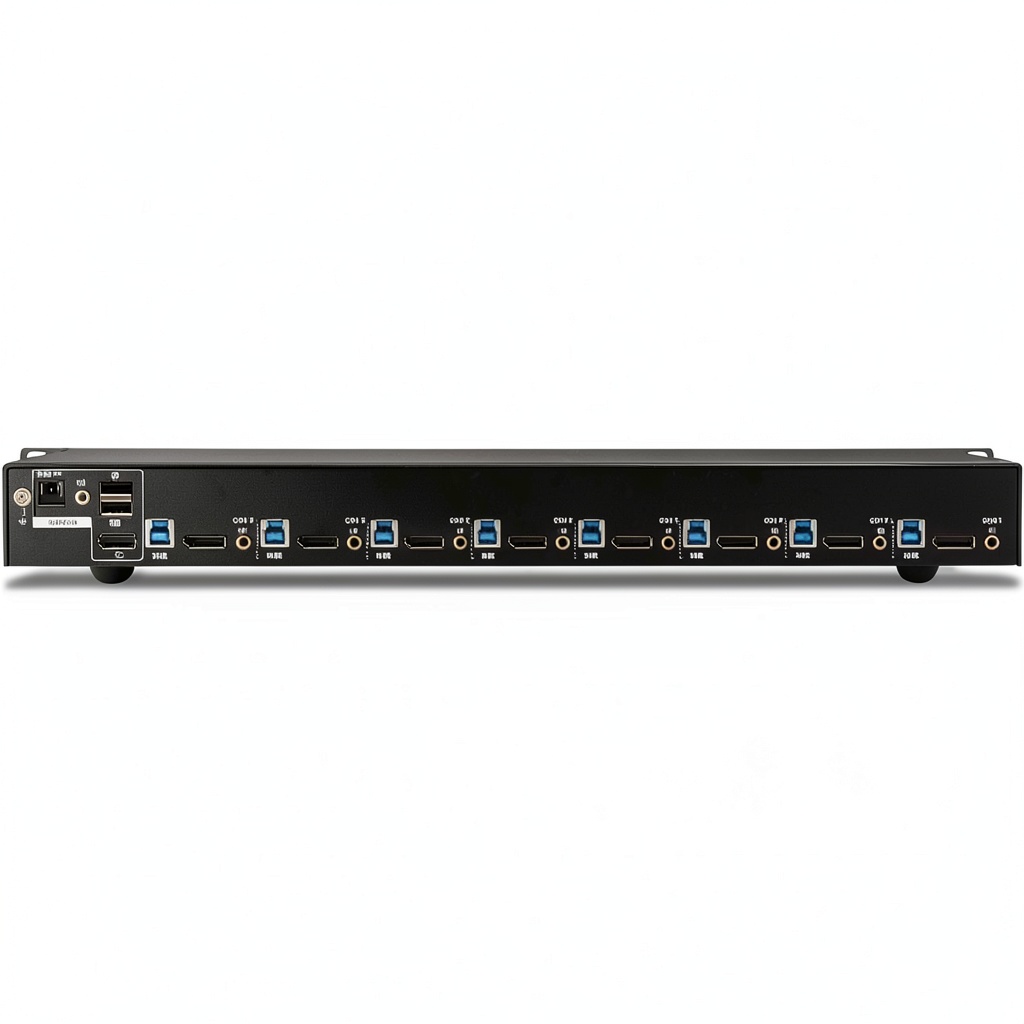
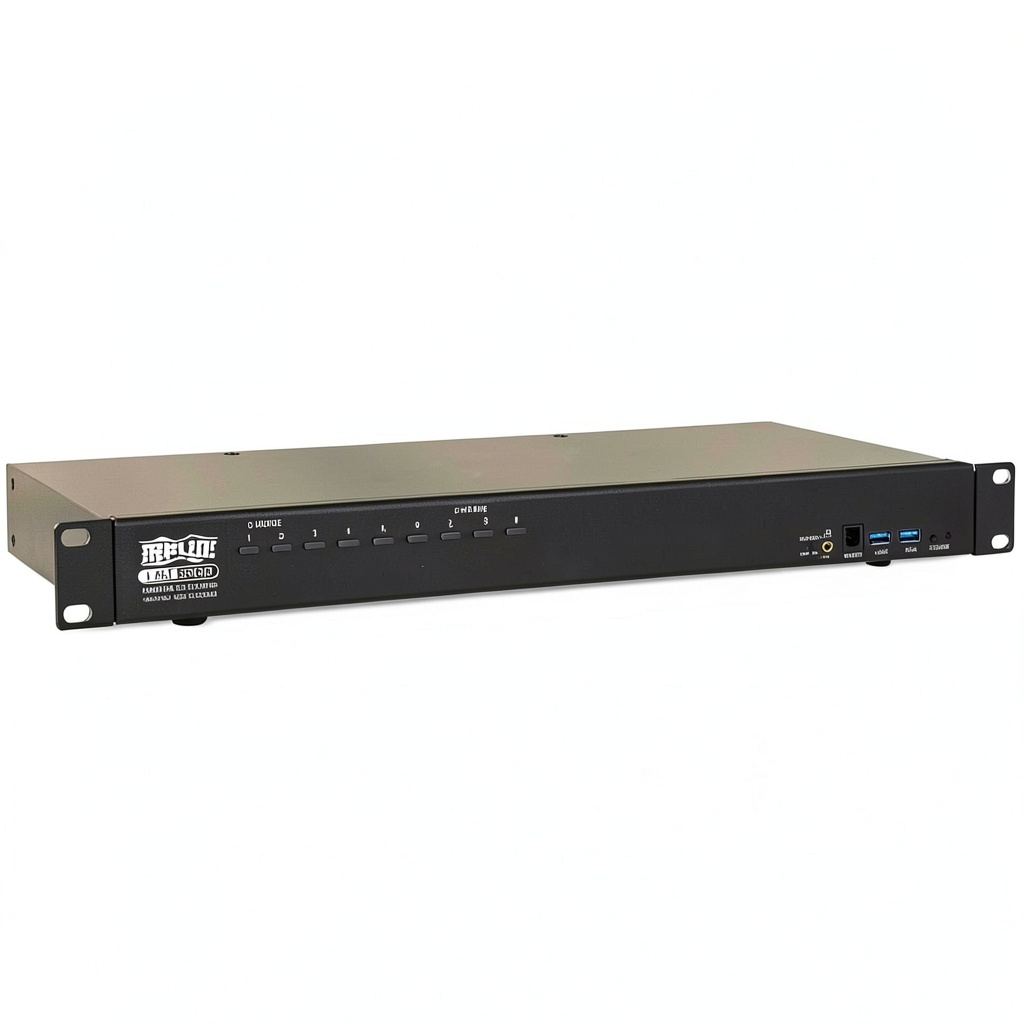
The Tripp Lite B024-DPU08 8-Port DisplayPort/USB KVM Switch is a robust rack-mount solution designed for managing multiple computers or DisplayPort-enabled devices. It connects up to eight systems to a single monitor, keyboard, and mouse, supporting 4K resolution at 60Hz for crisp video quality. Built with durable materials, this switch includes DisplayPort 1.4 and HDMI compatibility, a dual-port USB 3.1 Gen 1 hub, and plug-and-play functionality. Specifications include cascading support for up to 128 computers, RS-232 control, and compatibility with Windows, macOS, Sun, and Linux operating systems.
Usage
This KVM switch is ideal for IT professionals, data centers, and home users managing multiple computers, media centers, or gaming systems. It simplifies workflows in environments where space is limited, such as server rooms, editing suites, or entertainment setups. Use it to boot, reboot, and switch between devices seamlessly, enhancing productivity in offices, studios, or tech-heavy households.
Why Choose Us
Tripp Lite by Eaton delivers reliable performance with this KVM switch, featuring high-quality components for long-term durability. Its competitive edge includes easy setup with included cables, no software required, and backward USB compatibility. The product ensures efficient device management, reducing clutter and costs while providing trusted brand assurance.
Key Features
- Connects up to eight DisplayPort devices to one console for centralized control
- Supports 4K 60Hz video and cascading for up to 128 computers
- Fast switching via front-panel buttons, hotkeys, or on-screen display
- Built-in USB 3.1 hub for sharing peripherals like printers and drives
- Plug-and-play design with included cables for immediate use
FAQ
What devices can I connect to this KVM switch?
You can connect computers, media centers, gaming systems, Blu-ray players, and other DisplayPort-enabled devices, sharing one monitor and peripherals.
Does it work with HDMI monitors?
Yes, the switch supports both DisplayPort and HDMI monitors through its console ports for versatile connectivity.
How do I switch between connected computers?
Use the front-panel pushbuttons, hotkeys, RS-232 commands, or the on-screen display for quick and easy switching.
Is software installation required?
No, the KVM switch is plug-and-play and requires no software, making it ready to use right out of the box.
Can I share USB devices between computers?
Yes, the built-in USB hub allows you to share peripherals like printers and hard drives across all connected computers independently.
 Ubiquiti Flex Switch Managed Gigabit PoE Indoor Outdoor
  JCA379 USB C to HDMI Adapter with USB 3.0 and Power Delivery
 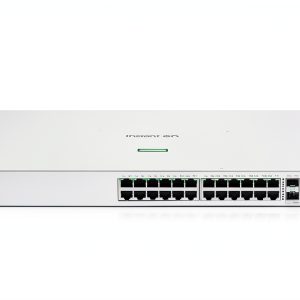 HPE Instant On 1930 24 Port PoE Smart Managed Ethernet
 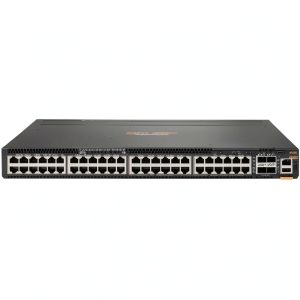 HP HPE 6300M 48 Port Gigabit Switch Manageable Network
  1688商品
 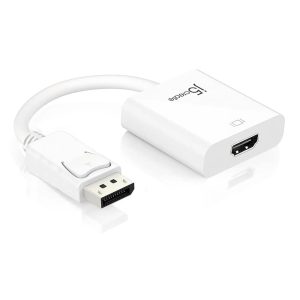 DisplayPort to HDMI Adapter High Resolution Plug and Play
  TP-Link 8-Port Gigabit Ethernet Switch Metal Design
  1688商品
  1688商品
  Casper Pro Tempered Glass Google Pixel 10 Pro XL Screen
 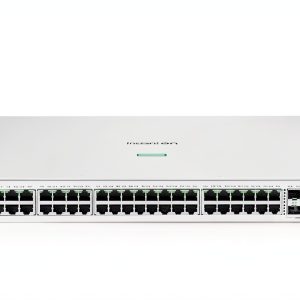 HPE Instant On 1930 48 Port Gb Smart Managed PoE Switch
 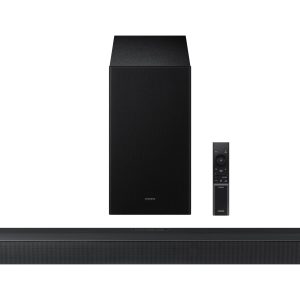 Samsung Soundbar 3.1 Channel DTS Virtual:X Wireless
 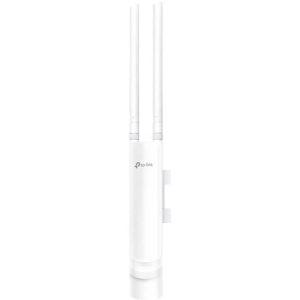 TP Link EAP225 Outdoor AC1200 Wireless Access Point Business
Reviews
There are no reviews yet.