
Description
Product Overview
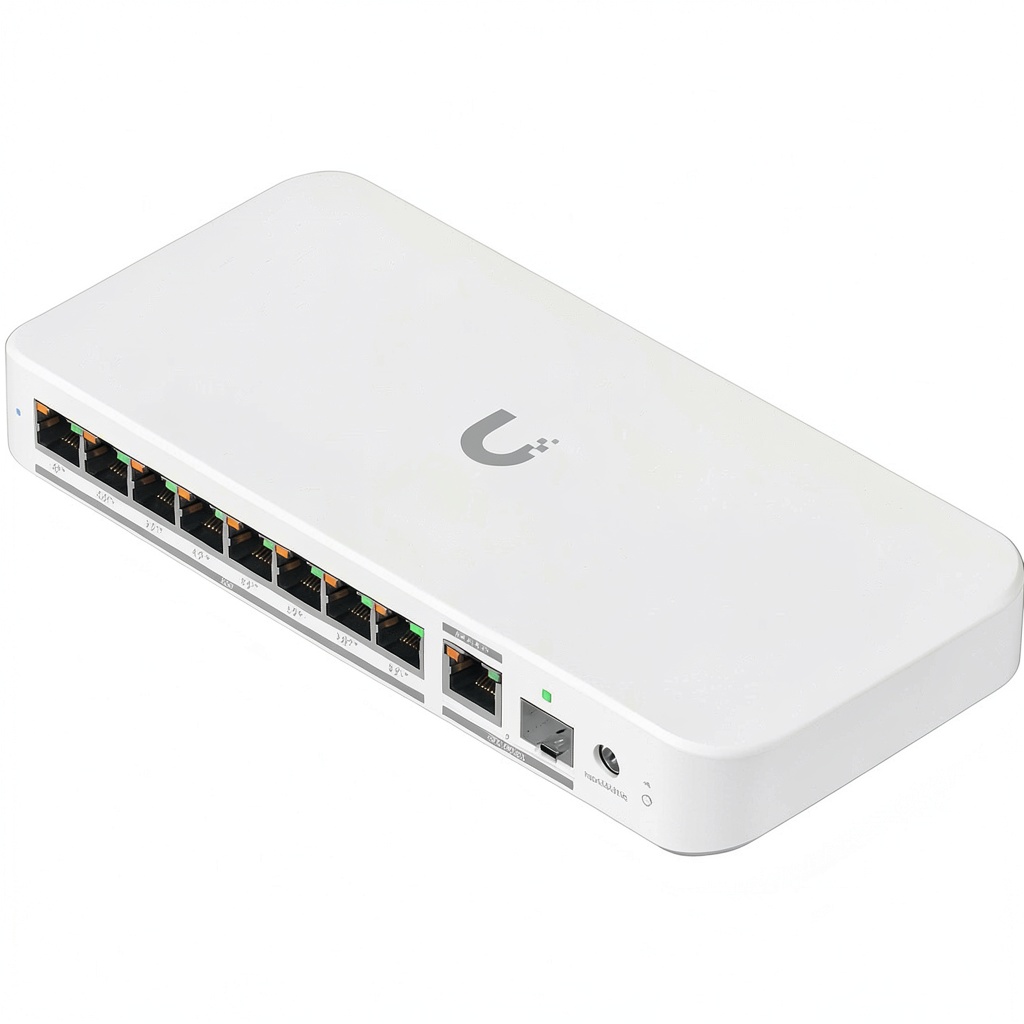
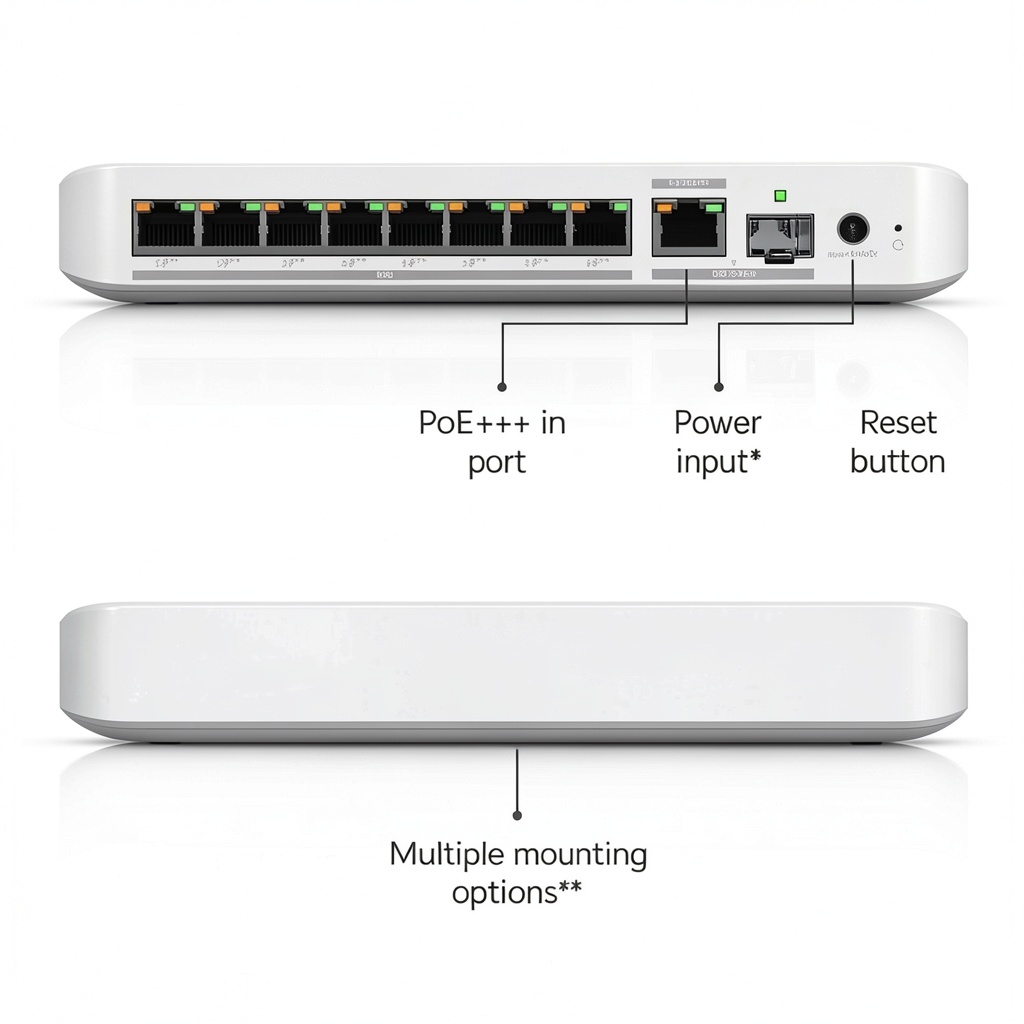
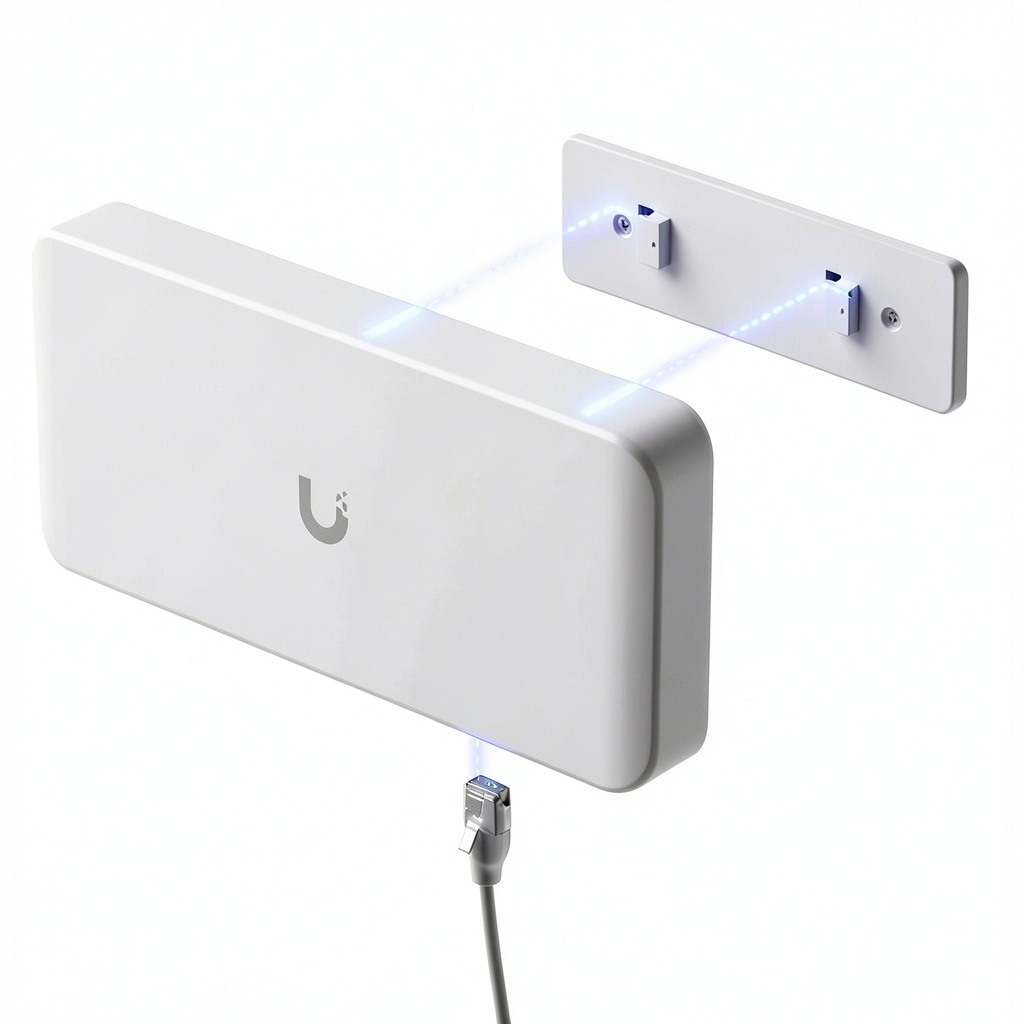
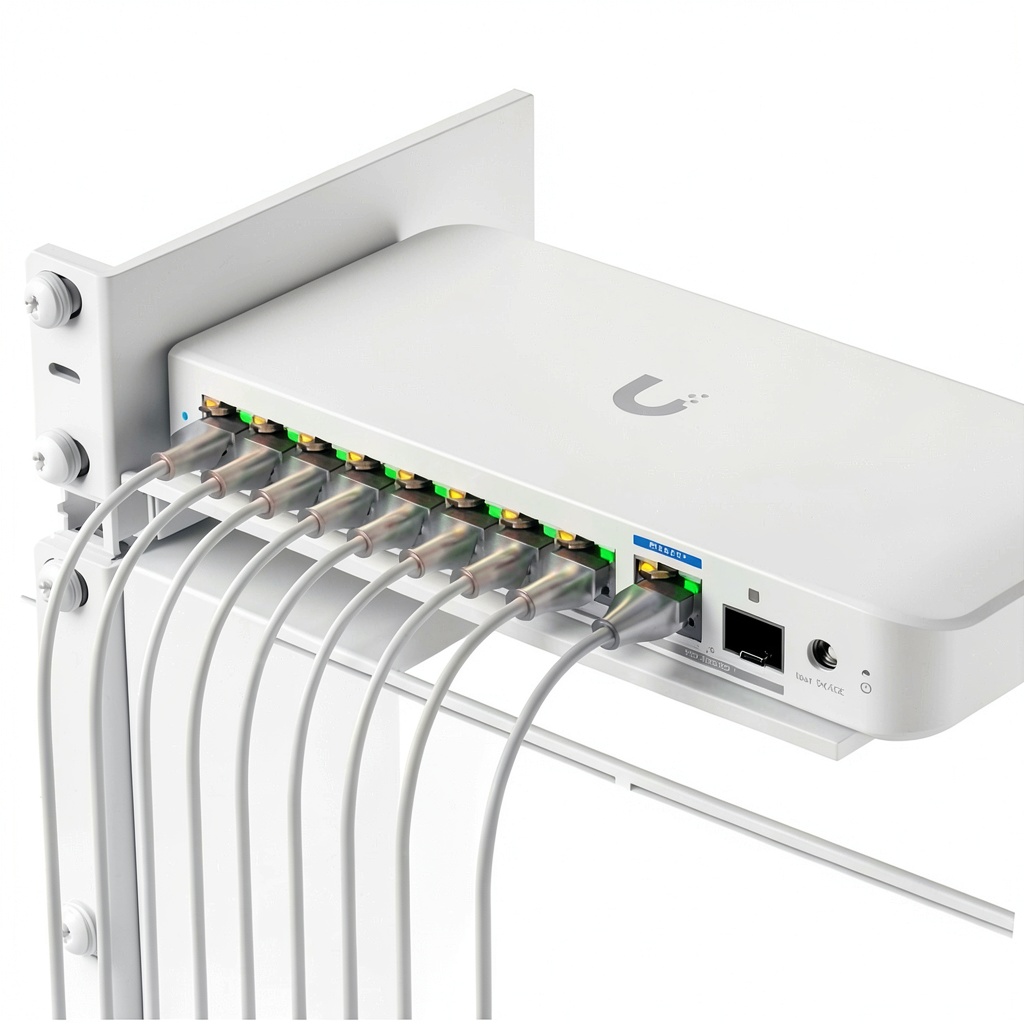
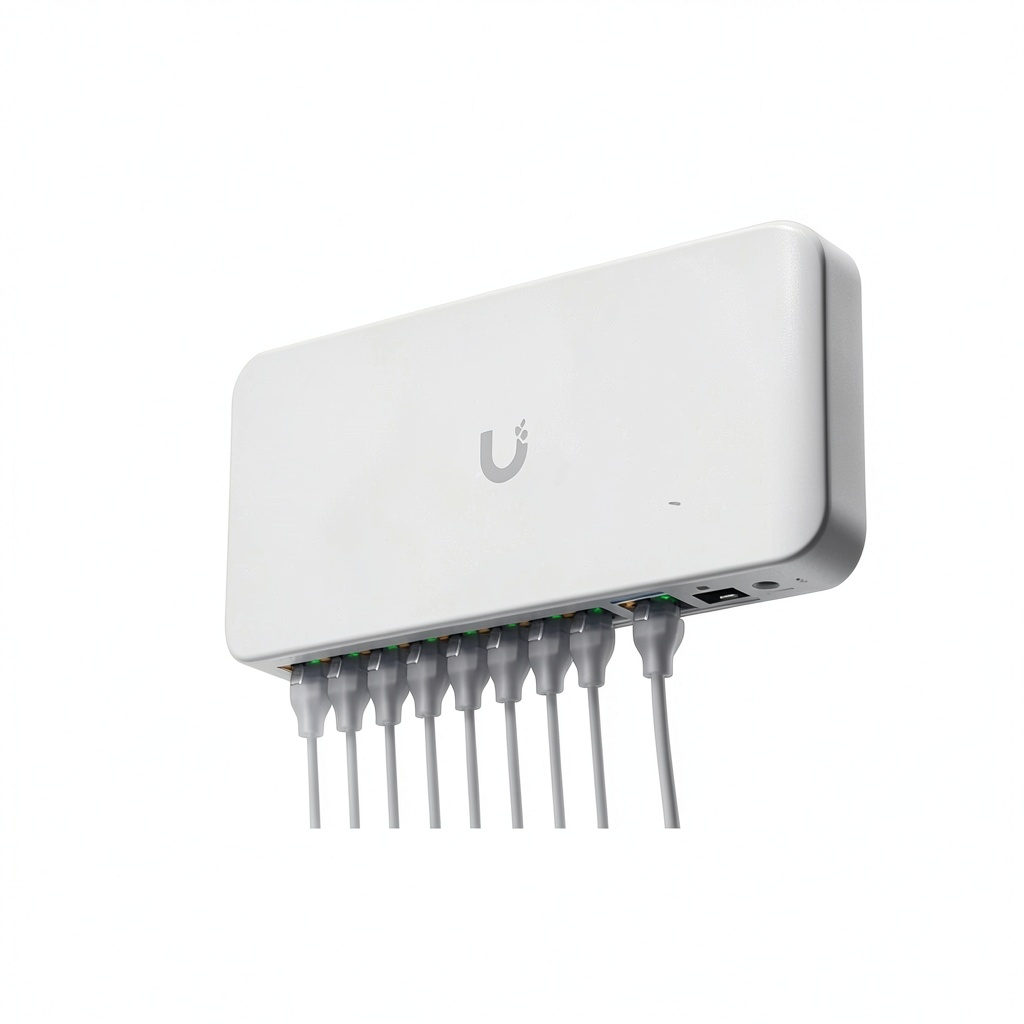
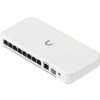
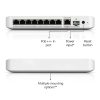
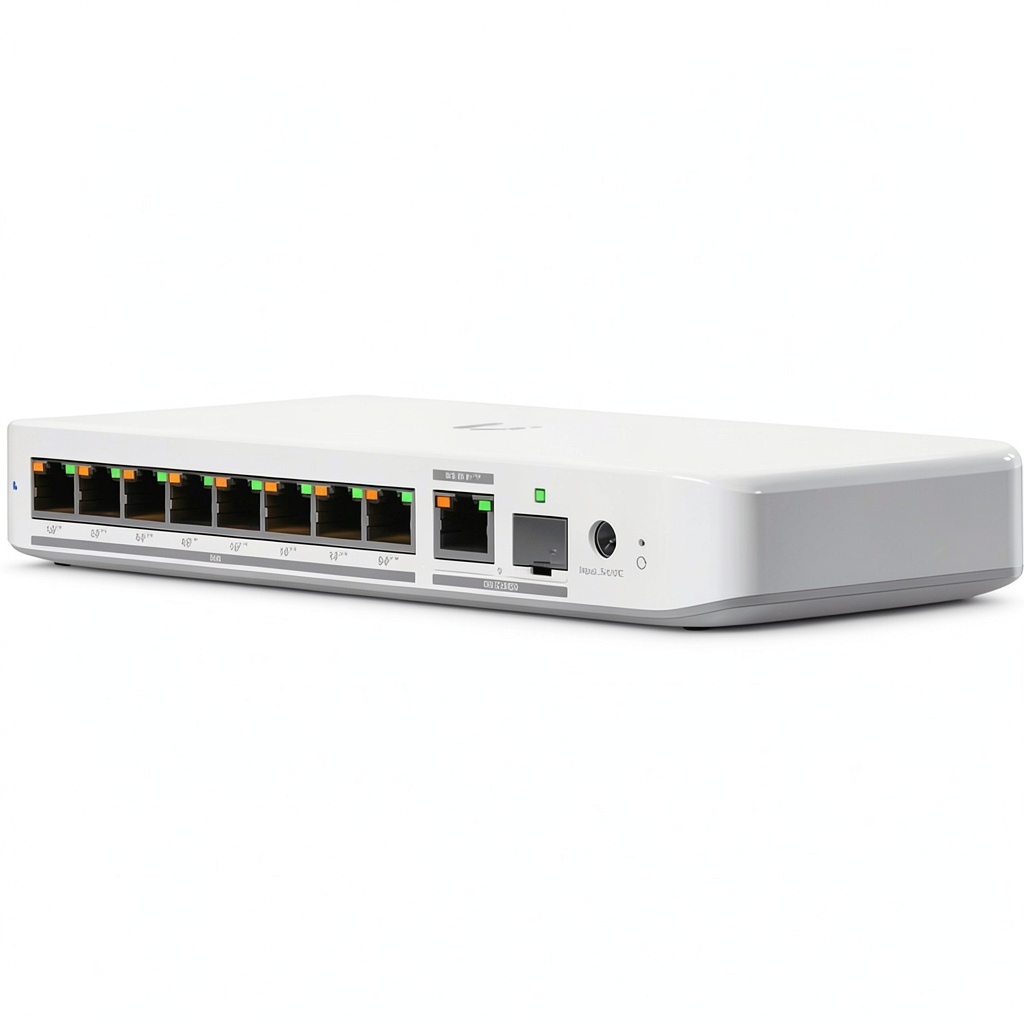
The Ubiquiti Flex 2.5G PoE managed network switch is a high-performance device designed for modern networking needs. It features 8 ports with PoE++ compliance, enabling efficient power delivery to connected devices like access points and cameras. With a switching capacity of 60 Gb/s (30 Gb/s non-blocking) and a forwarding rate of 45 Mpps, it ensures smooth, reliable data transfers. This switch is built with durable materials and advanced engineering to support demanding environments, making it a versatile solution for various applications.
Usage
The Ubiquiti Flex 2.5G PoE switch is ideal for small to medium-sized businesses, home offices, and professional IT setups. It excels in environments requiring high-speed data transfers and power over Ethernet, such as connecting IP cameras, wireless access points, and VoIP phones. This switch is perfect for network administrators and tech enthusiasts who need reliable, managed switching capabilities to optimize performance and simplify network management.
Why Choose Us
Ubiquiti is renowned for its innovation and quality in networking equipment, and the Flex 2.5G PoE switch exemplifies this with its robust performance and user-friendly management features. It offers competitive advantages like high switching capacity, PoE++ compliance for maximum power efficiency, and reliable construction that reduces downtime. Backed by Ubiquiti’s commitment to excellence, this switch provides long-term value and support for your networking investments.
Key Features
- 8 ports with PoE++ compliance for efficient device powering
- 60 Gb/s switching capacity ensuring fast data transfers
- 45 Mpps forwarding rate for high-performance networking
- Managed capabilities for easy network control and optimization
- Durable design built to withstand continuous use in various settings
FAQ
What devices are compatible with this switch?
The switch is compatible with a wide range of PoE devices, including IP cameras, wireless access points, and VoIP phones, supporting standard networking protocols for seamless integration.
How do I manage the switch settings?
You can manage the switch through Ubiquiti’s web interface or mobile app, allowing for easy configuration of ports, VLANs, and other network parameters without advanced technical skills.
What is the power consumption of this switch?
The switch is designed for energy efficiency, with typical power consumption varying based on connected devices, but it includes features to minimize waste and support green networking initiatives.
Can this switch be used outdoors?
This model is intended for indoor use; for outdoor applications, consider Ubiquiti’s weather-resistant variants and ensure proper environmental protection to maintain performance and longevity.
Reviews
There are no reviews yet.