
Description
Product Overview
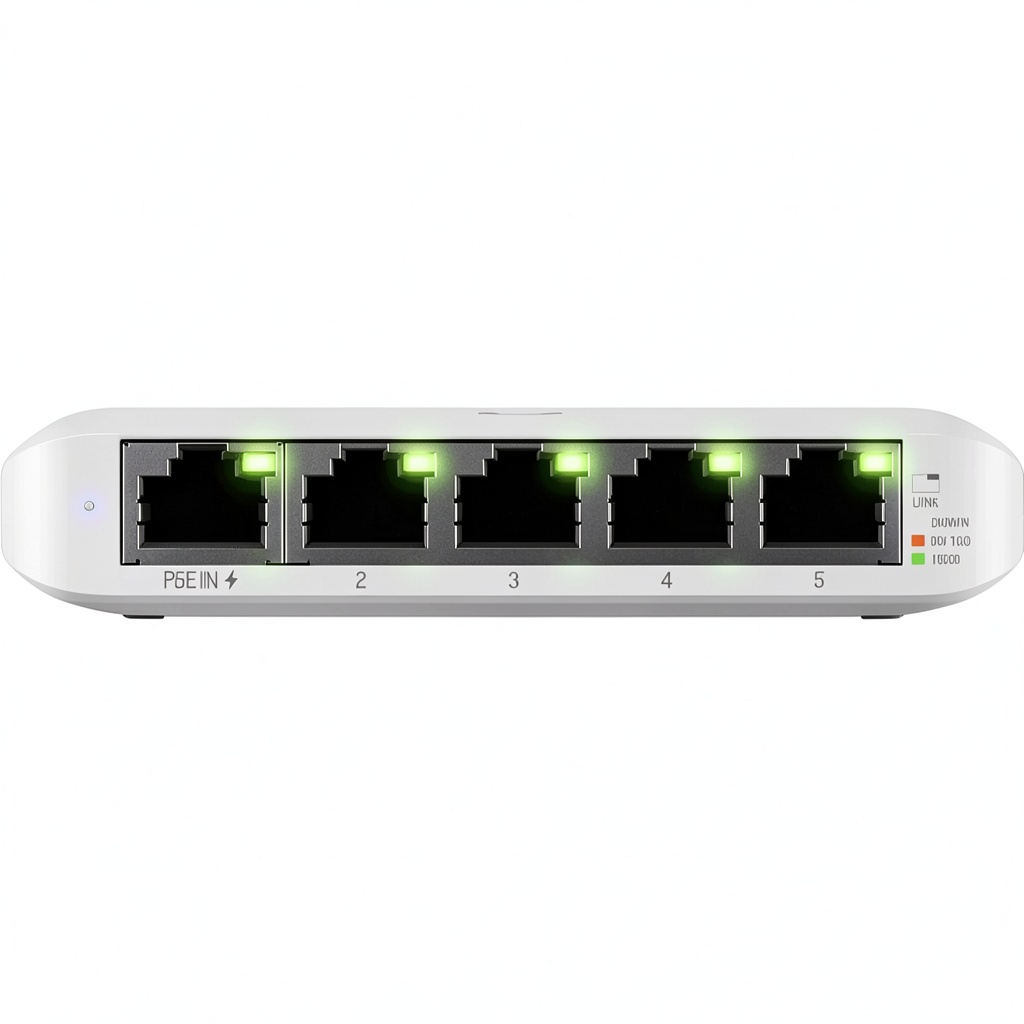
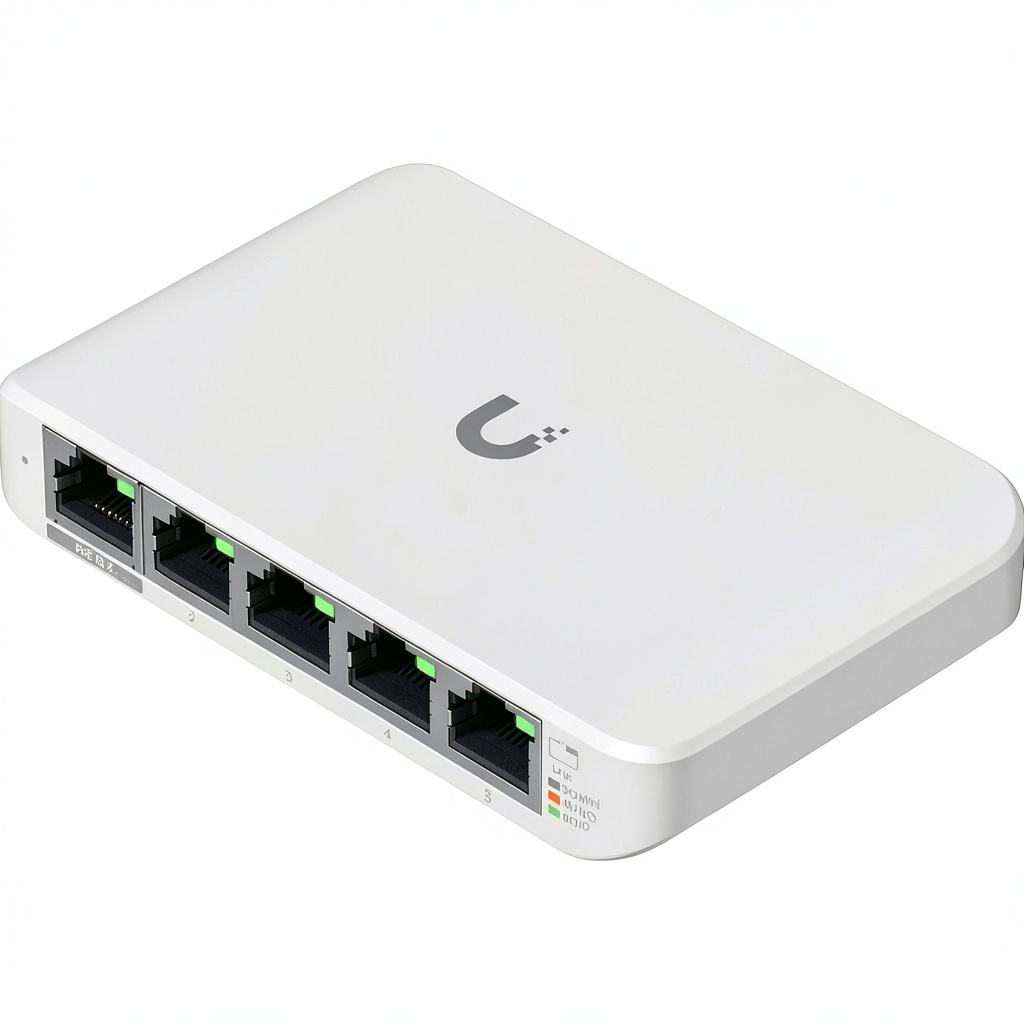
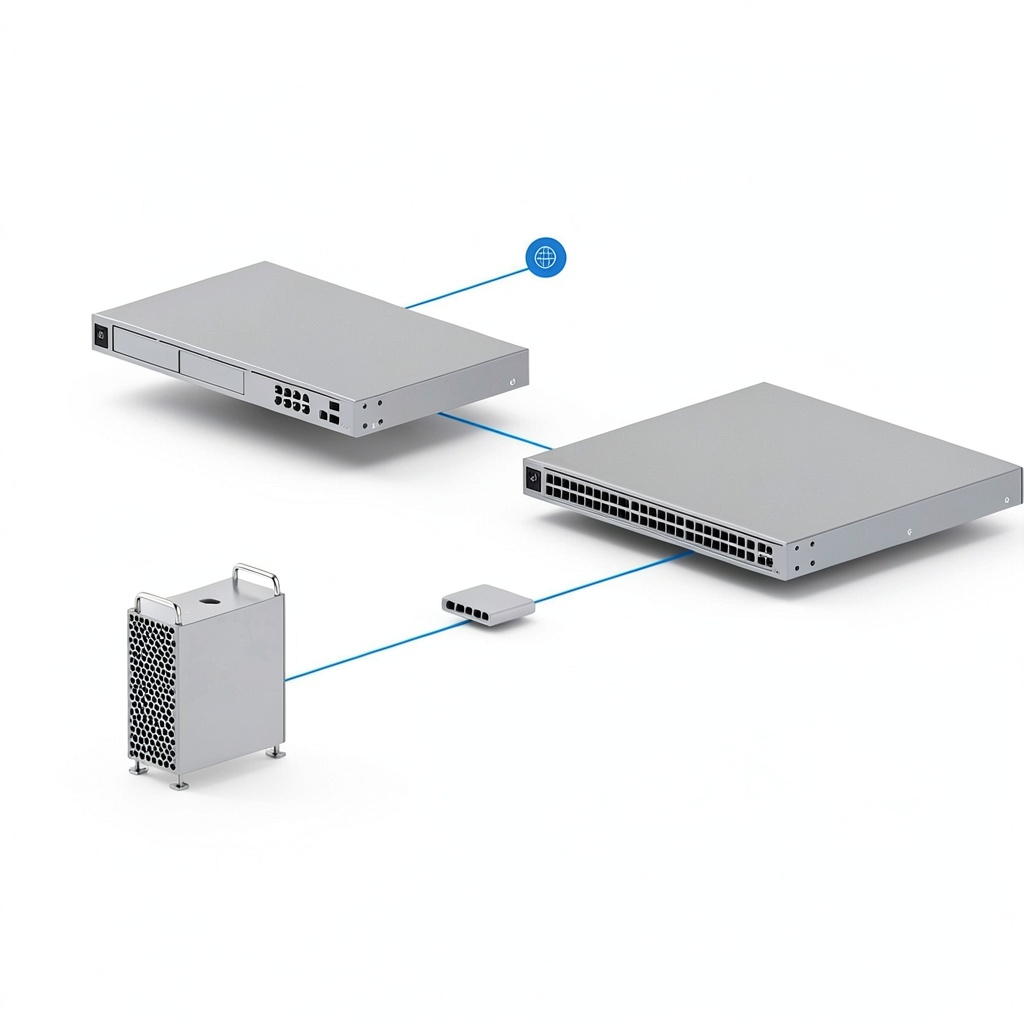
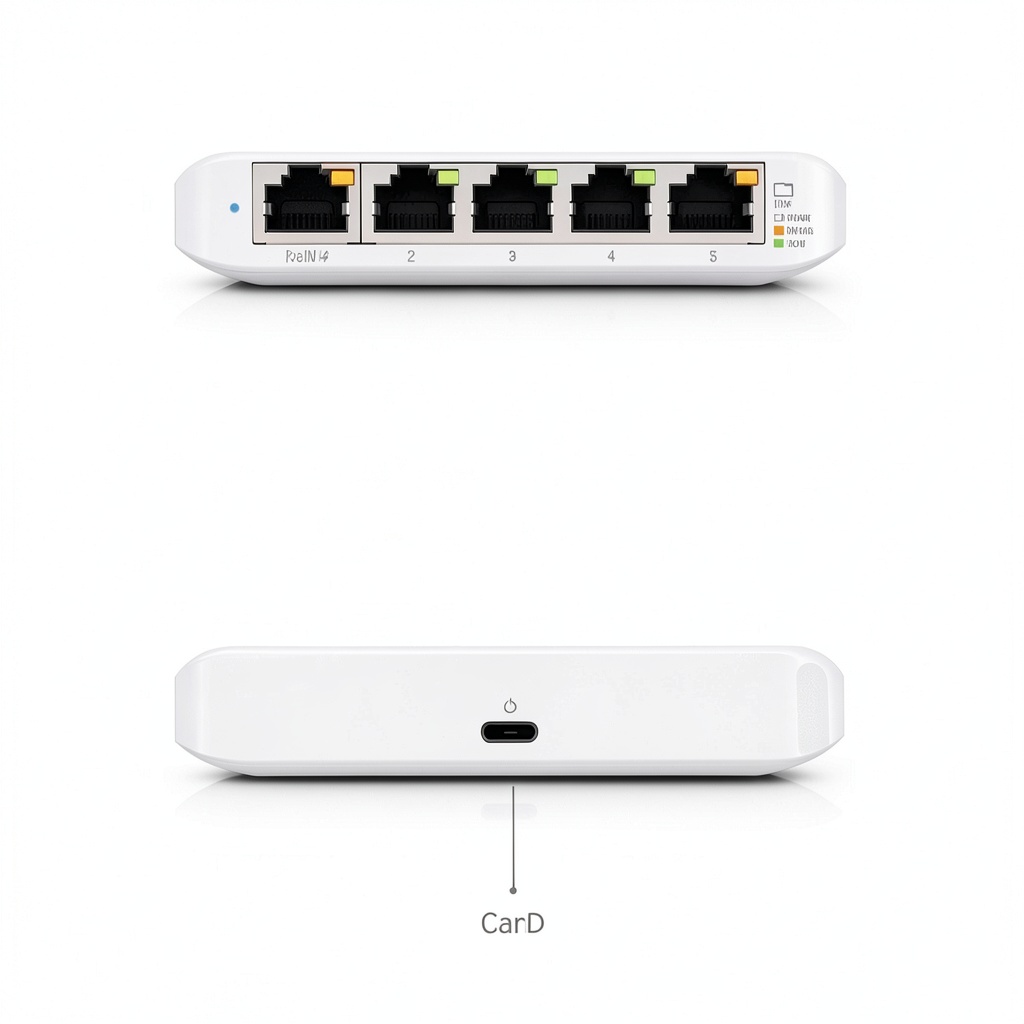
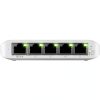
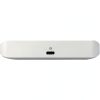
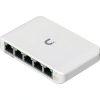
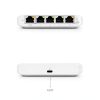
The Ubiquiti Flex Mini is a compact 5-port Gigabit managed switch designed for seamless integration into various environments. It features a durable build and supports high-speed data transfer, making it ideal for expanding network capabilities without occupying much space. This switch is part of the UniFi ecosystem, allowing for easy management and monitoring through the UniFi Controller software.
Usage
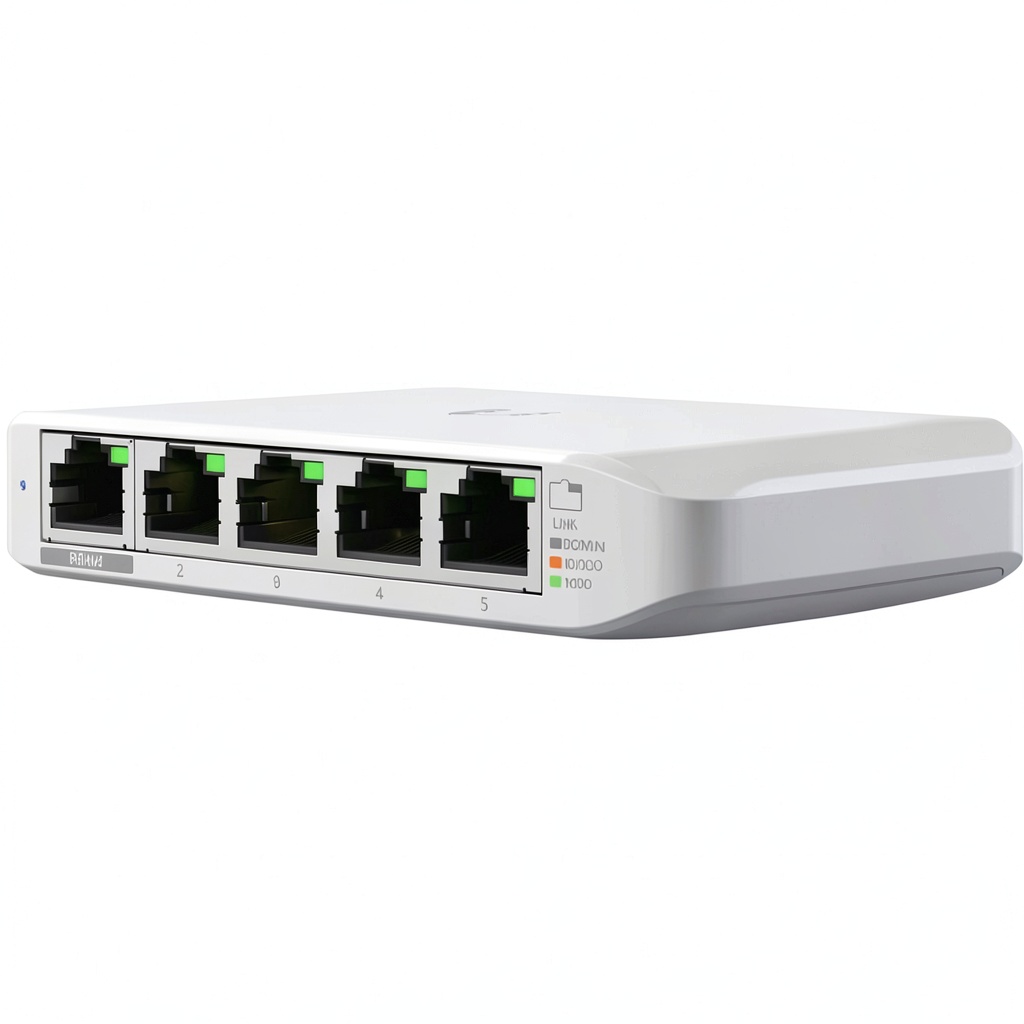
This switch is perfect for home offices, small businesses, or educational settings where reliable and efficient networking is essential. It can be used to connect multiple devices such as computers, printers, and IP cameras, ensuring stable internet access and data sharing. Its compact design allows it to fit discreetly on desks, shelves, or in tight spaces.
Why Choose Us
The Ubiquiti Flex Mini stands out due to its cost-effectiveness and integration with the UniFi system, providing advanced management features without the high price tag. It is built with quality components to ensure long-term reliability and is backed by Ubiquiti’s reputation for innovative networking solutions. This switch offers a balance of performance and affordability, making it a smart choice for budget-conscious users.
Key Features
- Compact design for easy placement in any environment
- Five Gigabit ports for high-speed connectivity
- Managed switching capabilities via UniFi Controller
- Cost-effective solution for expanding networks
- Durable construction ensuring reliable performance
FAQ
What is the power requirement for this switch?
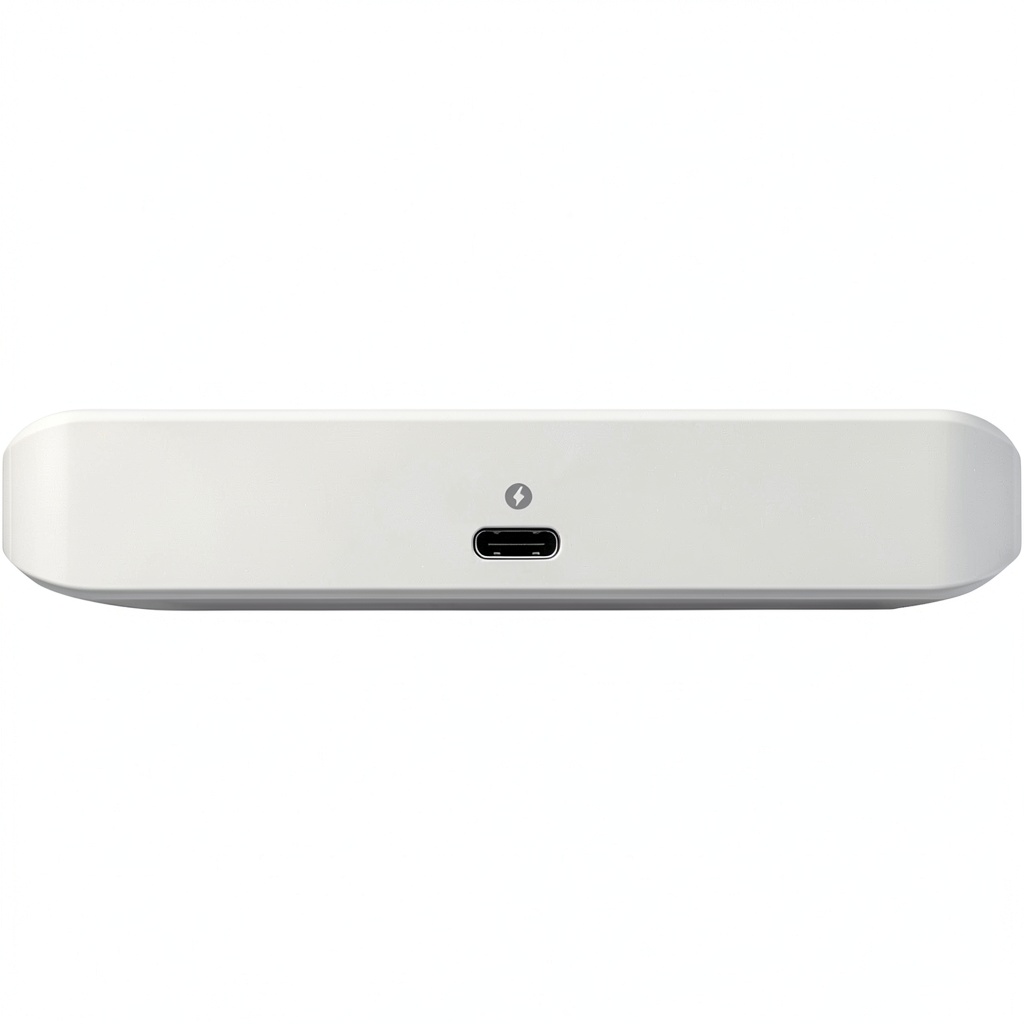
The Ubiquiti Flex Mini is powered through a standard Ethernet cable via Power over Ethernet (PoE), making it easy to install without additional power adapters in compatible setups.
Can I manage this switch remotely?
Yes, this switch can be managed remotely using the UniFi Controller software, which allows for configuration, monitoring, and troubleshooting from any connected device.
Is the switch suitable for outdoor use?
No, the Ubiquiti Flex Mini is designed for indoor use only and should be placed in dry, stable environments to ensure optimal performance and longevity.
How many devices can I connect to this switch?
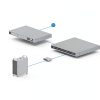
You can connect up to five devices directly to the switch’s Gigabit ports, and it supports daisy-chaining for expanded network setups if needed.
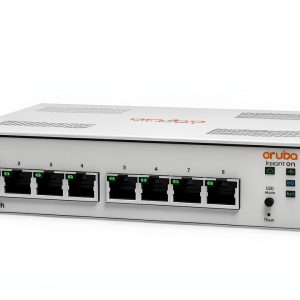
 Amer 5 Port Gigabit Ethernet Switch Desktop Metal Fast
 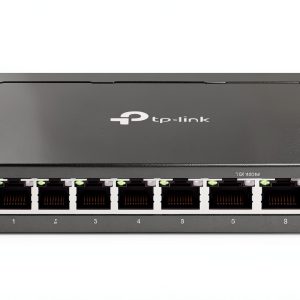 TP-Link 8 Port 2.5G Multi-Gigabit Desktop Switch Fanless
 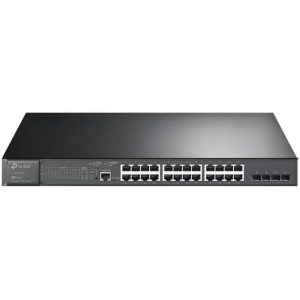 TP-Link 28-Port Gigabit PoE+ Managed Switch Network Solution
 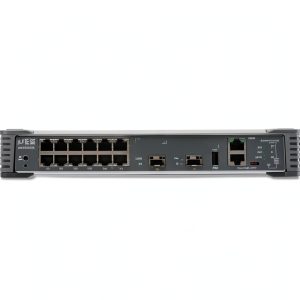 Juniper EX2300 C Compact Ethernet Switch 12 Ports Gigabit
  MXL Tempo USB Condenser Microphone Podcast Recording
 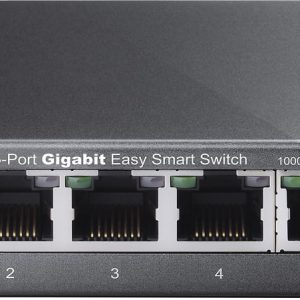 TP Link 5 Port Gigabit Smart Ethernet Switch Metal Gray
 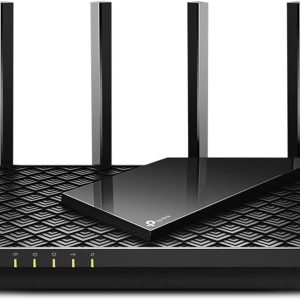 TP Link AX5400 WiFi 6 Router Gigabit Dual Band High Speed
Reviews
There are no reviews yet.